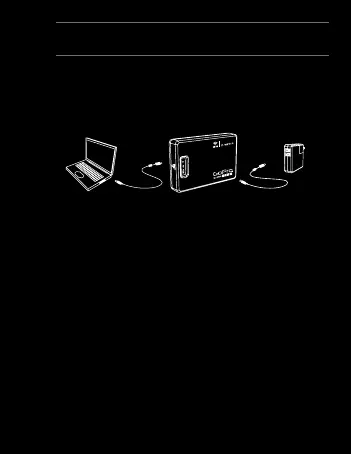
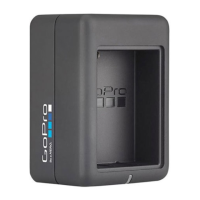
We recommend charging your Wi-Fi BacPac for one hour
before using it the first time, however no damage will occur
if you don’t. To charge the Wi-Fi BacPac, connect it to a
computer or USB power supply with the included USB cable.
Checking Battery Level
When the Wi-Fi BacPac is not attached to a camera, you
can check it’s battery level on the Status Screen by pressing
the
POWER/MENU button. The display will turn on for 5
seconds to show battery power level.
The Wi-Fi BacPac will
not power ON unless it is attached to a GoPro camera.
Wi-Fi BacPac Battery Life
When the Wi-Fi BacPac’s battery runs out it will pull power
from the camera’s battery. This extends the life of your Wi-Fi
BacPac but will drain your camera’s battery over time.
Battery + Charging
11


 To Next Page