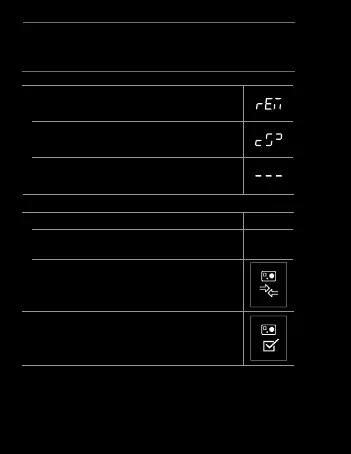
d. Select REMOTE using the SHUTTER/SELECT
button.
e. If connection is successful, you will see the
successful connection screen.
f. If connection fails, restart the process.
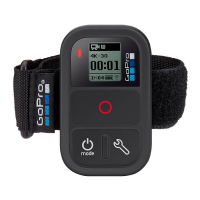
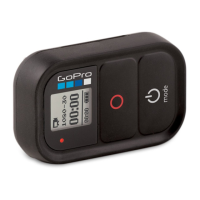
2. Place your Wi-Fi Remote into Connection Mode:
a. Ensure the remote is powered OFF.
b. On the Wi-Fi Remote, hold down the SHUTTER/
SELECT button while powering it ON.
c. Release the SHUTTER/SELECT button when you
see the connecting screen on the Wi-Fi Remote.
3. If the connection is successfully made,
you will see the following screen on
both camera and remote.
Original HD HERO
+ Wi-Fi Remote
28


 To Next Page