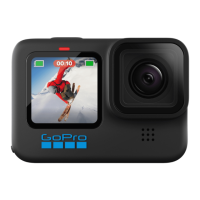
Capture incredible perspectives, immersive point-of-view shots and
more. There are over 45 GoPro mounts, accessories and mods that
let you create the perfect gear setup for your HERO11 Black.
Getting the Shot
8.
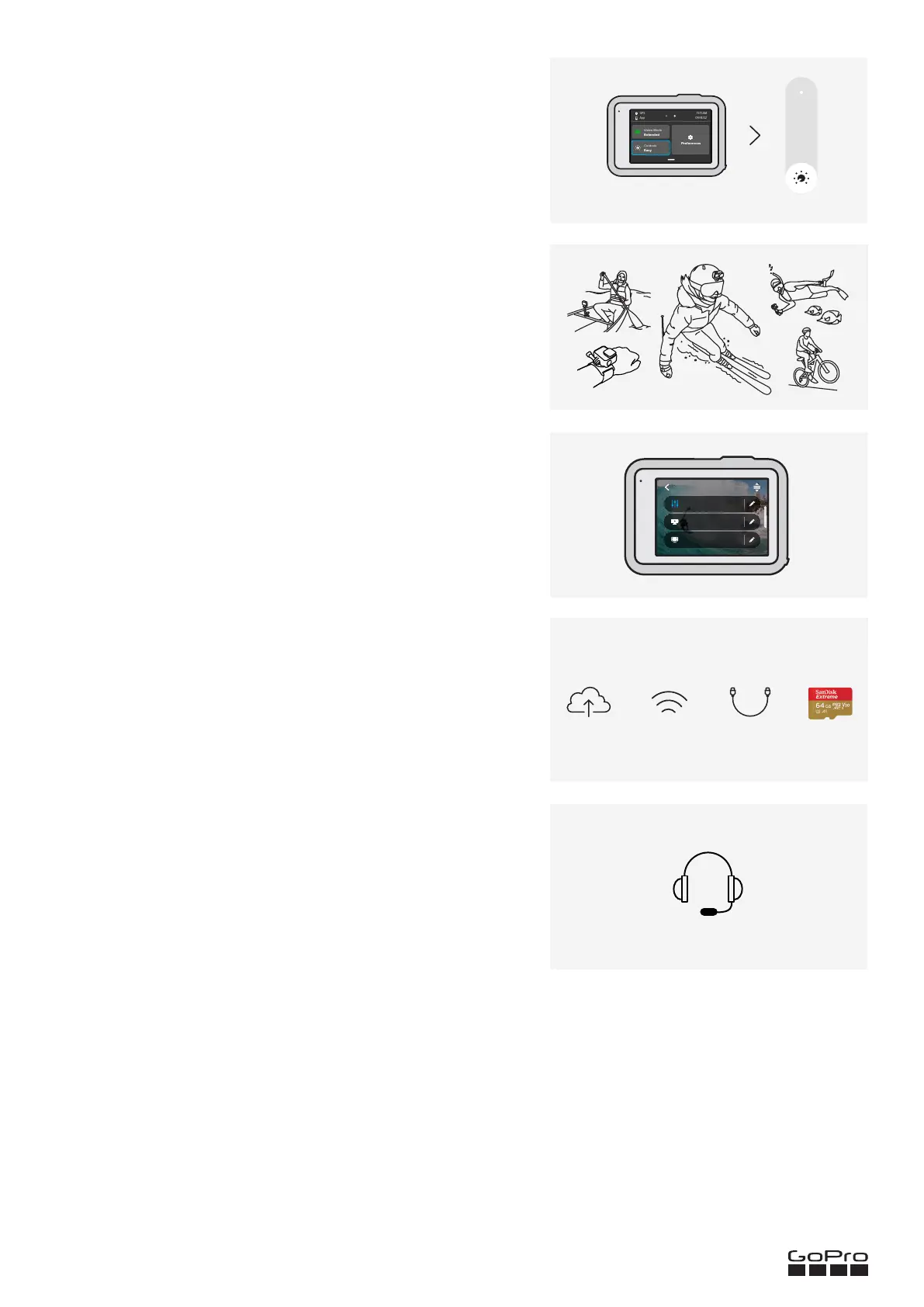
Choose point-and-shoot simplicity or full camera control. HERO11 Black’s
Easy Controls are preloaded with ultra versatile capture settings
that let you simply press the shutter button for amazing results.
Pro Controls unlock preset settings, plus the ability to fine-tune all
modes, settings and features.
Use Easy or Pro Controls
7.
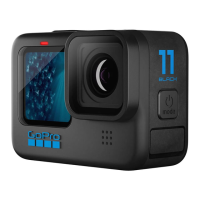
HERO11 Black comes loaded with presets that make it easy to switch
back and forth between the best modes and settings for your shot.
You may find, however, that you need to change a preset or create
your own for a specific shot.
Customizing + Creating Presets
9.
Our team of experts is ready to help with any questions you may have.
You can also check out help articles and video tutorials, plus download
the full HERO11 Black user manual. You’ll find it all at gopro.com/help.
Get Expert Advice
11.
¹Within your home Wi-Fi network. GoPro subscription required. GoPro subscription available in select territories. Cancel anytime. Visit gopro.com for info and availability.
²Requires standard USB-C to USB-C or standard USB-A to USB-C and Apple® Lightning to USB Camera Adapter, depending on device.
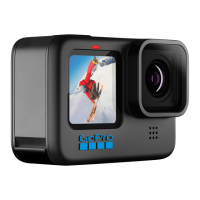
HERO11 Black gives you four ways to ooad and save your media:
• Auto-upload footage from your GoPro to the cloud while your camera is charging¹
• Wirelessly ooad footage from your GoPro to the GoPro Quik app
• Wired USB ooad to the Quik app at speeds up to 50% faster than wireless²
• Use your SD card to transfer your media to a computer
Ooading Your Photos + Videos
10.
5.3K 8:7 | 30 | Wide
Full Frame
1440 | 60 | Wide
Custom
4K | 30 | Wide
Standard
VIDEO


 To Previous Page