Charging
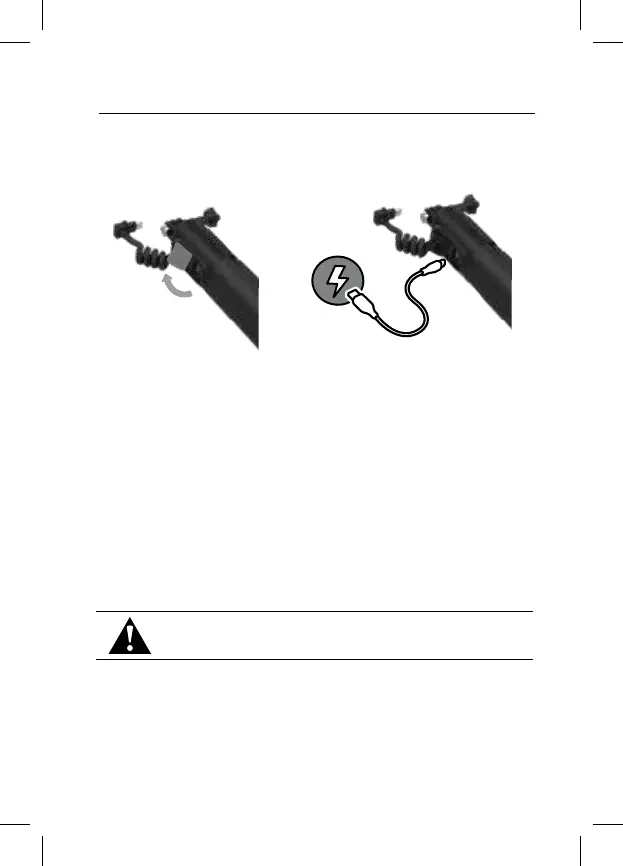
Flip open the USB charging port cover.
Insert the included USB cable into the port. Connect the other end of the cable
to a computer or other USB power source.
CAUTION: Be sure the USB-C port is dry before inserting the cable.
Press the Battery Status (Battery icon) button to check the charge status.
TECH SPECS
Battery capacity: 4900 mAh
Power output: 5V
dc/2.4A (12W max)
Charge time:
3 hours
A fully charged Volta will triple a fully charged camera’s normal battery life
Heads Up: Be sure that the computer is connected to a power source.
Try using a dierent USB port if the battery charge indicator shows that Volta
is not charging.



 To Next Page