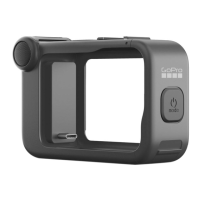
Mounting Your GoPro
ATTACHING YOUR CAMERA
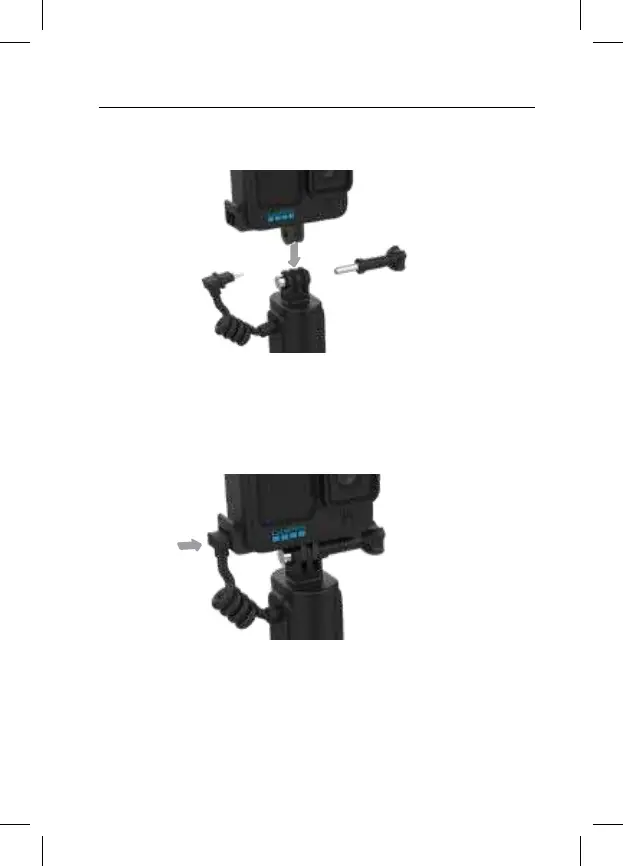
1. Mount your GoPro to Volta using the top mounting fingers.
Heads Up: Be sure to insert your camera into the mounting fingers with the
USB Pass-Through Door on the side opposite the Thumb Screw. This will
prevent the Thumb Screw from blocking the USB port. Rotate the mounting
fingers if needed before mounting your camera.
2. Plug Volta’s USB cable into your camera.
Your camera will start charging as soon as it’s plugged in.



 To Next Page