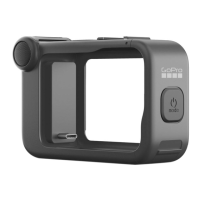
Using Volta with Media Mod
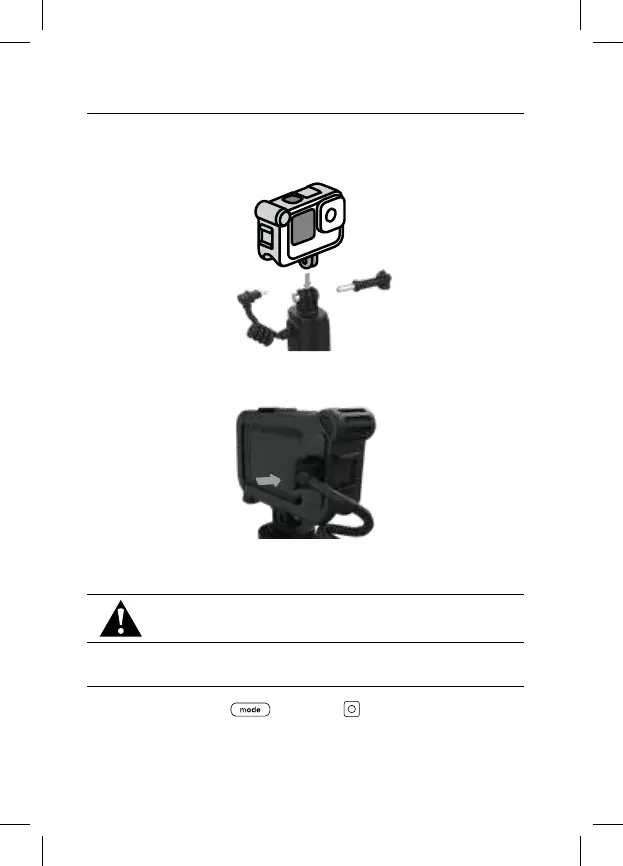
Insert your GoPro into Media Mod as you normally would and follow these steps:
1. Use your camera’s mounting fingers to attach your GoPro to Volta
2. Plug Volta’s USB-C cable into the USB-C port on the back of your Media Mod.
Heads Up: To use Volta’s built-in camera controls with your GoPro and Media
Mod, connect Volta to your camera with Bluetooth.
WARNING: Volta is not weather resistant when used with
Media Mod.
Resetting Volta
Press and hold the Mode and Shutter buttons simultaneously for
8 seconds if you need to reset Volta.



 To Next Page