EasyManua.ls Logo

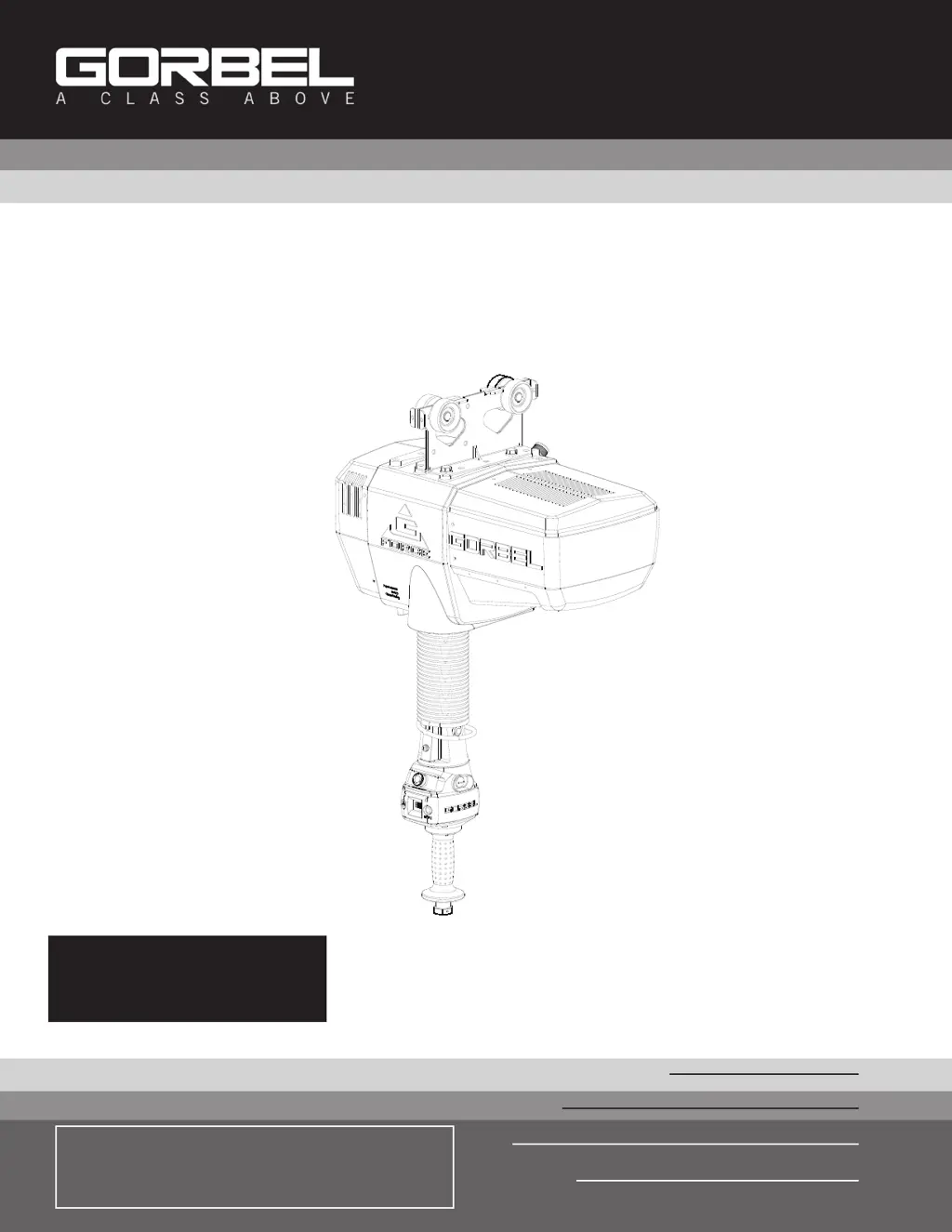
GORBEL G-Force iQ Series - User Manual

GORBEL G-Force iQ Series
60 pages
Print Icon
To Next Page IconTo Next Page
Loading...
IMPORTANT!
DO NOT DESTROY
Installation &
Operation Manual
Month
Year
Gorbel
®
Dealer
Date
G-Force®
Q and iQ Series
Gorbel
®
Customer Order No. / Serial No.
®
Go to www.gorbel.com/support/warrantyregistration.aspx
to register your G-Force®, sign up for our Platinum
Service Package and request your free G-Force® Q and
iQ Series Service Manual.

Questions and Answers

  • E
    Emily GreenAug 18, 2025
    What to do if GORBEL Servo Drives unit will not raise or lower the load?
    • L
      Larry RoyAug 18, 2025
      If your GORBEL Servo Drives unit isn't raising or lowering the load, make sure you are in the RUN MODE. Also, check the virtual limits settings if your unit is equipped with that option and ensure that you are not in an overloaded condition. If you are wearing dark gloves, remove them and try using the sliding handle again. Check the coil cord connections at both the handle and the actuator. Ensure that the sliding handle grip or pendant handle levers move smoothly and check for any interference between the handle and any foreign objects or work surfaces.
  • S
    Sarah SinghAug 20, 2025
    What to do if GORBEL G-Force iQ Float Mode does not function correctly?
    • E
      erinsandersAug 21, 2025
      If the Float Mode on your GORBEL Servo Drives isn't working correctly, first check that your system has the Float Mode option and that the blue LED on the handle is illuminated. Also, check to see if the LCD screen indicates you are in Float Mode and that Float Mode has not timed out because the system has not been used for 60 seconds. Ensure the unit is stable when Float Mode is initiated, and that the load data is reading accurately on the LCD screen. Verify the bridge capacity, checking for excessive deflection in the bridge, and check for obvious interference with the coil cord or handle.
  • A
    anthony79Aug 23, 2025
    Why GORBEL G-Force iQ Servo Drives unit only goes in the up direction?
    • S
      stephaniesullivanAug 23, 2025
      If your GORBEL Servo Drives unit is only moving upwards, check the virtual limits settings if equipped with that option. Ensure that the wire rope is not slack and check for any obvious interference with the load or the handle. Also, verify that you are not at the lower limit of the system. Check the coil cord connections at both the handle and actuator, and inspect the overall condition of the coil cord, looking for broken or exposed wiring.
  • B
    Betty BakerAug 26, 2025
    Why GORBEL G-Force iQ Servo Drives unit only goes in the down direction?
    • E
      Eileen SanchezAug 26, 2025
      If your GORBEL Servo Drives unit is only moving downwards, check the virtual limits settings if equipped with that option. Ensure that you are not at the upper limit of the system and that you are not in an overload condition. Check for any obvious interference with the load or the handle. Check the coil cord connections at both the handle and actuator, and the overall condition of the coil cord, looking for broken or exposed wiring.
  • M
    Matthew PruittAug 28, 2025
    What does it mean when GORBEL G-Force iQ Servo Drives shows 7219 / 4005 codes?
    • N
      Natalie HarrisAug 28, 2025
      The 7219 / 4005 codes on your GORBEL Servo Drives indicate that the AC power is too low. If it approaches approximately 200VAC, the system will not operate properly.
  • N
    Nathan HoldenAug 30, 2025
    How to fix GORBEL G-Force iQ if it is too slow or too fast?
    • M
      Monique ChavezAug 30, 2025
      To adjust the speed of your GORBEL Servo Drives, go to PROGRAM MODE. Also, check for speed reduction setting in virtual limits program if equipped with that option.
  • T
    Tiffany WilliamsSep 1, 2025
    How to fix GORBEL G-Force iQ Servo Drives unit if it will not raise or lower the load to the desired height?
    • C
      Christine GuzmanSep 1, 2025
      To resolve issues with your GORBEL Servo Drives not reaching the desired height, check the virtual limits settings in PROGRAM MODE. Also, inspect for wire rope damage. Verify whether you have an extended wire rope with a standard length coil cord, and check to see if the wire rope has been modified (shortened) for any reason. Finally, check for any interference with foreign objects, tooling, or work surfaces.
  • L
    lozanomarkSep 4, 2025
    How to fix GORBEL G-Force iQ Servo Drives unit if it does not accelerate at the desired rate?
    • J
      johnsondustinSep 4, 2025
      To adjust the acceleration rate of your GORBEL Servo Drives, adjust the response in PROGRAM MODE. Ensure that you are not attempting to “snatch” the load. Check the weight of the load; if you are close to the overload limit, try lifting at a reduced speed.
  • E
    Earl BauerSep 6, 2025
    What does it mean when GORBEL G-Force iQ shows 501 / 11000 codes?
    • P
      Patricia BrightSep 6, 2025
      The 501 / 11000 codes on your GORBEL Servo Drives indicate a limit switch fault. To resolve this: 1. Ensure there is weight on the hook. 2. Disconnect AC power. 3. Reapply AC power.
  • J
    Jennifer LopezSep 8, 2025
    Why is the GORBEL G-Force iQ Servo Drives actuator extremely noisy?
    • D
      Dennis JordanSep 8, 2025
      If the actuator of your GORBEL Servo Drives is making excessive noise, check the condition of the wire rope and inspect for any external damage to the actuator covers.

Summary

Safe Hoist Operating Guidelines

Installation Process

Power Connection and Initial Power-Up

Connecting power, powering up, and testing operational modes.

Lift Functionality

Standard Operation Modes

How to operate the G-Force® in different handle configurations.

Float Mode Operation

Using and understanding the Float Mode feature for precise load control.

Controls Interface Features

Program Mode

Program Mode Overview and Navigation

How to enter and navigate Program Mode menus.

Configuration Settings and Features

Detailed configuration options for speed, limits, and custom features.

Troubleshooting

Technical Specifications

Wire Rope Maintenance and Replacement

Slack Spring Adjustment

Inspection and Maintenance Schedule

GORBEL G-Force iQ Series Specifications

General IconGeneral
BrandGORBEL
ModelG-Force iQ Series
CategoryServo Drives
LanguageEnglish

Related product manuals