EasyManua.ls Logo

Gorenje EIT6355XPD - User Manual

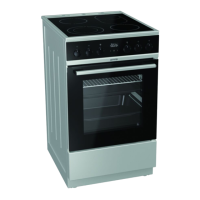
Gorenje EIT6355XPD
76 pages
Print Icon
To Next Page IconTo Next Page
Loading...
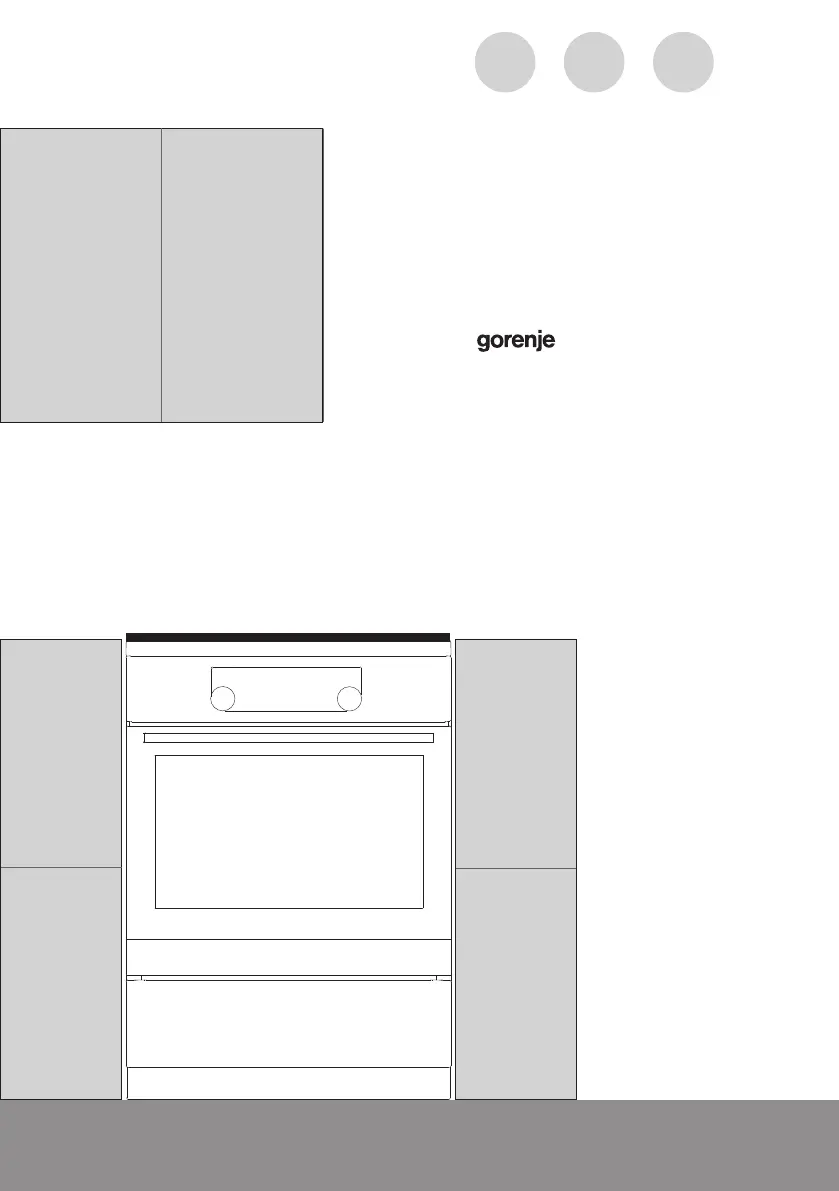
DETAILED
INSTRUCTIONS
FOR USE OF AN
INDUCTION FREE
STANDING COOKER
www.gorenje.comwww.gorenje.com
GB IE MT
816763_en.indd 1816763_en.indd 1 23. 03. 2022 12:02:0123. 03. 2022 12:02:01

Questions and Answers

  • D
    Daniel BruceAug 13, 2025
    What to do if the Gorenje Cookers Power Boost rapid heating function is switched off automatically?
    • H
      heather50Aug 13, 2025
      It's normal for the Power Boost function to switch off automatically after some time, and the hob will then use power level 9. If the cooking zone overheats, the safety mechanism will disable the extra power function! To solve this, reactivate the Power Boost function. If needed, switch the cooking zone off and then on again before reactivating Power Boost. Also, allow some time for the hob to cool down.
  • J
    jmontgomeryAug 17, 2025
    What to do if you have switched on the cooking zone, but the "u" symbol continues to flash on Gorenje EIT6355XPD Cookers?
    • J
      john95Aug 17, 2025
      The "u" symbol flashing means that your pot or pan may not be suitable for induction hobs, or its diameter might be too small. It's also possible the pot or pan overheated and lost its ferromagnetic properties. To fix this, first check if the cookware is ferromagnetic by seeing if a magnet is attracted to it. Also, ensure the pan diameter is large enough (usually > 12 cm). If the display continues to flash after switching it on and off, disconnect the appliance from the power for 5 minutes, then reconnect it.
  • J
    Jacqueline DuncanAug 21, 2025
    What to do if continuous beep and »–« flashing on the display of Gorenje EIT6355XPD Cookers?
    • H
      hclayAug 21, 2025
      This usually means that water has spilled over the sensor surface, or an object has been placed over the sensors. Simply wipe the sensor surface clean.
  • T
    Theresa DavisAug 25, 2025
    What to do if error message »C« appears on the display unit of Gorenje EIT6355XPD?
    • V
      vancehollyAug 25, 2025
      The error message »C« indicates that the hob has overheated. Allow the hob to cool down, then use a lower power setting.
  • S
    Sharon MillerAug 28, 2025
    What to do if other errors »Er« or »E + number« are displayed on Gorenje EIT6355XPD Cookers?
    • B
      Brittany HillAug 28, 2025
      When you see errors like »Er« or »E + number«, it indicates an error in the electronic circuit. Disconnect the appliance from the power for 5 minutes, then reconnect it. If the error reappears, you will need to call a service technician.
  • P
    Patrick LewisSep 1, 2025
    What to do if error message »E3« appears on the display unit of Gorenje EIT6355XPD Cookers?
    • S
      Stephanie RiveraSep 1, 2025
      The error message »E3« indicates that you are using unsuitable cookware that lacks ferromagnetic properties. Try using another pot or pan.
  • W
    wpinedaSep 4, 2025
    What to do if there is no response of the sensors and the display is frozen on Gorenje EIT6355XPD?
    • D
      Deanna DavenportSep 5, 2025
      To resolve this, disconnect the appliance from the mains power for a few minutes by either undoing the fuse or switching off the main switch. Then, reconnect the appliance and switch it back on.
  • E
    Elizabeth NewmanSep 9, 2025
    Why is the pastry underdone when using Gorenje Cookers?
    • K
      Karen GoodmanSep 9, 2025
      Make sure you have selected the correct temperature and heating system. Also, check that the oven door is fully closed.

Summary

Important Safety Instructions

Before Connecting the Appliance

Read instructions before connecting. Warranty void for incorrect connection or use.

Induction Cooker Overview

Oven and Equipment Description

Details on the oven's components, including control unit, door, and drawer.

Oven Accessories and Parts

Lists and describes accessories like baking dishes, grids, and trays.

Control Unit Interface

Explanation of the control panel, knobs, and keys for operation.

Appliance Data Plate Information

Information on the location and content of the appliance's rating plate.

Using the Appliance

First-Time Appliance Preparation

Steps for initial cleaning and preparation before first use.

Induction Cooking Surface Guide

Details on the induction cooking hob and glass ceramic surface.

Hob Operation and Efficiency

Explanation of power levels, saving tips, and pan recognition.

Induction Technology Principles

Explanation of how induction cooking zones generate heat and cookware requirements.

Operating the Cooking Hob

Hob Controls and Basic Operation

Instructions for switching the hob on/off and using cooking zones.

Advanced Hob Functions

Using Power Boost, Child Lock, and Timer functions on the hob.

Hob Troubleshooting and Errors

How to switch off zones, handle automatic shut-off, and resolve error messages.

Special Hob Features

Using the Bridged Cooking Zone feature for larger pans.

Oven Operation and Cooking Modes

Oven Setup and Clock Setting

Setting the oven clock and initial appliance settings.

Choosing Oven Cooking Systems

Guide to selecting different oven heating systems and suggested temperatures.

Oven Cooking Modes and Tables

Detailed descriptions of oven modes and associated cooking tables.

Meat Probe and Special Oven Functions

Using the meat probe for roasting and details on special oven functions.

Maintenance and Cleaning

Surface Care Guidelines

Cleaning instructions for aluminium, stainless steel, and lacquered surfaces.

Oven and Hob Cleaning Procedures

Detailed steps for cleaning the oven interior, glass ceramic hob, and accessories.

Oven Component Maintenance

How to remove, clean, and maintain oven guides, catalytic inserts, and door.

Replacing Oven Components

Instructions for replacing the oven bulb and door glass panes.

Troubleshooting and Sounds

Oven and Hob Problem Solving

Common oven and hob issues, their causes, and solutions.

Cooking Noise Explanations

Understanding normal and abnormal noises during induction cooking.

Installation and Connection

Appliance Placement and Levelling

Guidelines for correct appliance positioning, levelling, and support.

Electrical Connection and Safety

Instructions for connecting the appliance to power and preventing tipping.

Product Disposal

Gorenje EIT6355XPD Specifications

General IconGeneral
Clock typeElectronic
Control typeRotary, Touch
Product typeFreestanding cooker
Product colorStainless steel
Control positionTop front
Integrated clockYes
Internal coatingEnamel
Hob typeZone induction hob
Wok burner-
Cooking zone 1 typeMedium
Cooking zone 2 typeSmall
Cooking zone 4 typeLarge
Cooking zone 1 power2000 W
Cooking zone 2 power1600 W
Cooking zone 1 diameter180 mm
Cooking zone 1 positionLeft front
Cooking zone 2 diameter145 mm
Cooking zone 2 positionRight front
Cooking zone 3 positionLeft rear
Cooking zone 4 diameter210 mm
Cooking zone 4 positionRight rear
Number of cooking zones4 zone(s)
Cooking zone 1 power sourceElectric
Oven positionBottom
Number of ovens1
Oven net capacity71 L
Cleaning technologyAquaClean
Grill heating element typeInfrared heating element
Number of glass door panels2
Connected load (electric)10500 W
Energy consumption (conventional)0.92 kWh
Energy consumption (forced convection)0.87 kWh
Package depth719 mm
Package width676 mm
Package height960 mm
Package weight51000 g
Weight and Dimensions IconWeight and Dimensions
Width600 mm
Height850 mm
Weight46000 g

Related product manuals