06
How to Pair with the Gosund App
1. Open the "Gosund" APP and create your
Gosund account.
2. Turn on the plug and put it close to the
router when pairing.
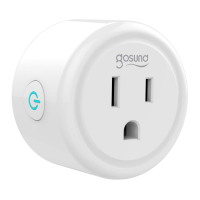
3. Press and hold the ON/OFF button for 5
seconds and release it when the plug starts
blinking fast to enter the network pairing
mode.


 To Next Page