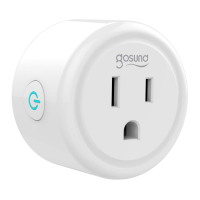
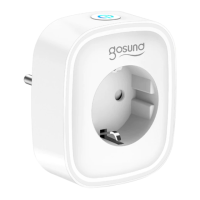
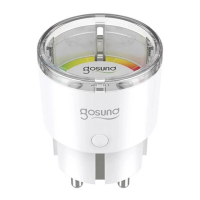
Turn on the power, hold the Switch/Pairing
button for 5 seconds, and let it go, when the
socket starts blinking fast, the reset process
is successful.
Reset
07
You can add a device in two ways.
Option 1. Tap "+" on the upper right corner
and select "Auto Scan".
Option 2. Tap "+" on the upper right corner
to select "Add Manually", and then select
"
Socket (Wi-Fi)".
Follow the App instructions to complete the
operation.


 To Next Page