Need help?
Do you have a question about the Govee H6601 and is the answer not in the manual?
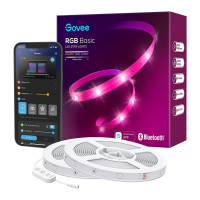
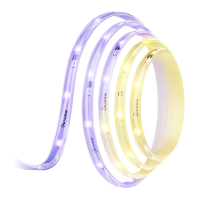
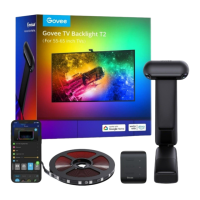
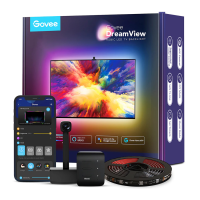
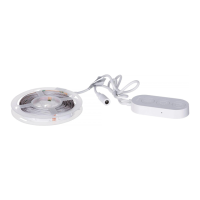
Unbox and check all items, then power on strip lights to check functionality.
Wipe installation surface, stick strip lights to TV back, press firmly, and reinforce with clips.
Instructions for downloading the app, turning on Bluetooth, and connecting the device.
Guide on how to use voice commands to control the device's features through the app.
Solutions for strip lights not lighting up, adhesive issues, and Wi-Fi connection failures.
Details on warranty, technical support, contact email, and official website.
 General
| HDMI | Yes |
|---|---|
| Type | Smart lighting kit |
| Bulb type | LED |
| Interface | Wi-Fi/Bluetooth |
| Light color | Multi |
| Product color | Black |
| Wi-Fi frequency | 2.4 GHz |
| Suitable location | Living room |
| High frequency rate | 240 Hz |
| Applications supported | Govee Home App |
| Total power | 48 W |
| Output current | 4 A |
| Output voltage | 12 V |
| AC input voltage | 100 - 240 V |
| AC input frequency | 50 Hz |
| Accessories included | Mounting Clips |
 Weight and Dimensions
| Length | 1800 mm |
|---|

 To Next Page