EasyManua.ls Logo

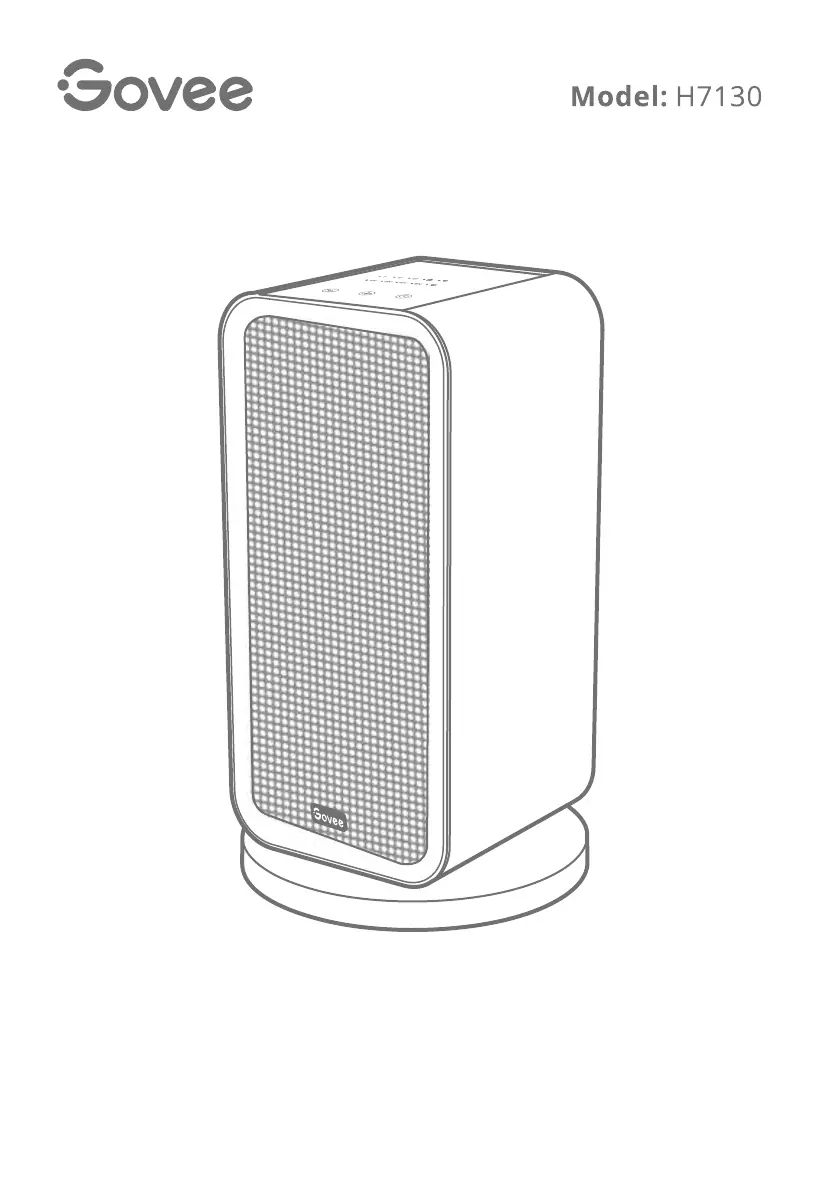
Govee H7130 - User Manual

Govee H7130
16 pages
Print Icon
To Next Page IconTo Next Page
Loading...
Govee Smart Heater
User Manual

Questions and Answers

  • W
    warrenedwardAug 4, 2025
    Why can't I find my Govee H7130 in the Bluetooth device list?
    • S
      Seth TaylorAug 4, 2025
      If you can't find your Govee Heater in the nearby Bluetooth devices list, it might be connected to another smartphone. Disconnect it from the other smartphone first.
  • J
    John WilsonAug 9, 2025
    What to do if Govee H7130 suddenly shuts down?
    • M
      Maria NelsonAug 10, 2025
      If your Govee Heater suddenly shuts down, several factors could be at play. First, there might be a power supply issue or overheating protection has been triggered. Check your circuit breaker or fuse. Unplug the heater, let it cool, and remove any obstructions. Wait 30 minutes before plugging it back in. Another reason could be the activation of the Tip-over and Motion Protection. Ensure the heater is on a stable, flat surface, free of any obstructions. Keep the heater upright and try turning it on again. Finally, the Overheating Protection might have been triggered. Unplug the heater and allow it to cool down for 30 minutes. Once the surrounding temperature drops below 122°F (50°C), the heater should automatically restart.
  • T
    Timothy MartinAug 14, 2025
    Why is my Govee Heater offline?
    • G
      Gary DavisAug 14, 2025
      If your Govee Heater is offline, there are a few things you can check: * First, ensure the heater is properly plugged in and powered on. Refresh 'My Devices' in the Govee Home app by swiping down on the screen. * Verify that your router is connected to the internet and your phone has a working network connection. * If you've changed your Wi-Fi password, the heater will go offline. Try reconnecting it to the network with the new password. * As a last resort, delete the offline heater from the Govee Home app and then add and reconfigure it again.
  • R
    Robert MarquezAug 19, 2025
    What to do if the Govee Heater plug is hot?
    • P
      peterthomasSep 12, 2025
      If the plug of your Govee Heater is hot, it's likely that the power plug and the outlet aren't securely connected. Make sure to firmly reinsert the plug into the socket. If the problem persists, have a qualified electrician inspect the power plug prongs for any damage.
  • L
    Lisa FosterAug 25, 2025
    Why Govee H7130 cannot be turned on?
    • M
      Michael LiAug 26, 2025
      If your Govee Heater won't turn on, make sure that the power switch on the back of the unit is in the "on" position.
  • S
    Sara GoodwinAug 29, 2025
    What to do if Govee H7130 Heater oscillation fails?
    • O
      orteganathanAug 29, 2025
      If the oscillation of your Govee Heater fails around 14°F (-10°C), it could be due to the characteristics of the grease in the motor. Try starting the oscillation again after the heater has been running for a while.

Summary

Important Instructions

Package Contents

Specifications

Getting to Know Your Smart Heater

Installing Your Heater

Before You Install

Crucial pre-installation checks and steps before assembling the heater.

Installation Steps

Step-by-step guide for assembling and setting up the heater.

Using Your Smart Heater

Button Functions

Details the functions of the heater's physical buttons for operation.

Heater Controls and Indicators

Oscillation and Lock Controls

Manage oscillation and activate panel lock mode for the heater.

Timer Functionality

Configure automatic shut-off timer settings for the heater.

Advanced Features and Safety

Memory and Automatic Shutdown

Features for setting recall upon power cycling and 24-hour auto-off.

Safety Protections

Covers overheating, tip-over, and motion detection safety features.

Govee Home App Connectivity

Pairing Process

Step-by-step guide to connect the heater to the Govee Home app.

Care and Maintenance

Troubleshooting

FCC Statement

FCC Radio Frequency Exposure Statement

Customer Service

Govee H7130 Specifications

General IconGeneral
ModelH7130
Power1500W
Voltage120V
Remote ControlYes
Overheat ProtectionYes
Tip-Over ProtectionYes
Wattage1500 watts
ThermostatYes
Timer1-12 hours
App ControlYes, Govee Home App
Voice ControlYes (Amazon Alexa, Google Assistant)
Special FeaturePortable
Control MethodApp, Remote
CertificationETL

Related product manuals