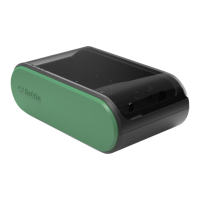
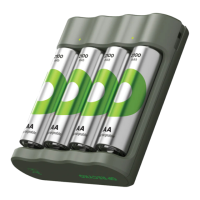
Operating Instructions:
Recharging the ReCyko
+
PowerBank
• Plug the micro USB port of the provided USB charging cable into the input
port of the ReCyko
+
PowerBank. Connect the other end of the cable to a
computer in use or USB power adaptor (1A or up) to AC power outlet. It is
recommended to use the USB cable provided by GP for recharging.
• The LED indicator will be on to show the charging status.
• Disconnect the USB cable after recharging.
Charging Other Electronic Devices
• Plug the provided USB charging cable into the USB output port of the fully
recharged ReCyko
+
PowerBank. Connect the other end of the cable to the
electronic device . Using the original USB cable provided by the electronic
device is also accepted.
• Charging starts in 3 seconds after button is pressed, otherwise unplug
and reconnect.
• Refer to the electronic device to check the charging status if necessary.
• Unplug after charging and the ReCyko
+
PowerBank will turn off
automatically.
*
Lithium free indicates extremely low lithium content which is not reactive and does not take place in any
chemical reaction


 To Next Page