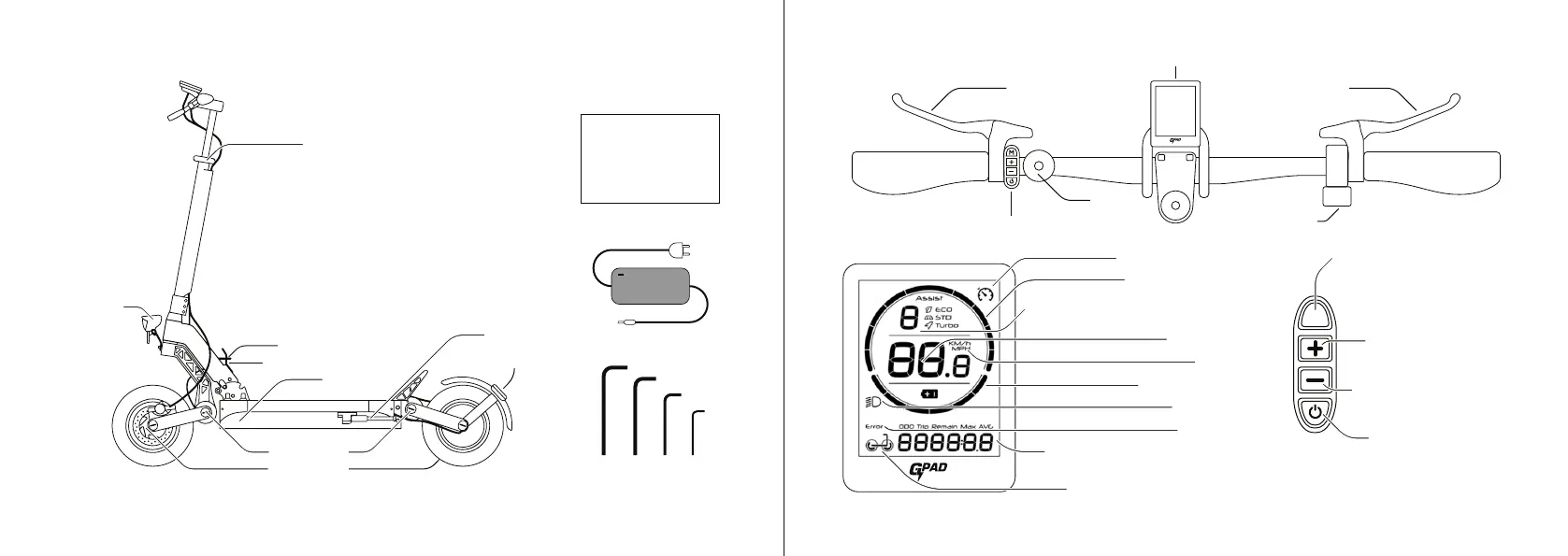
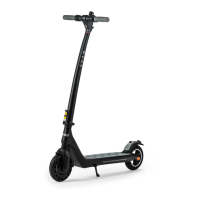
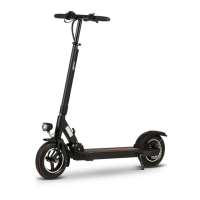
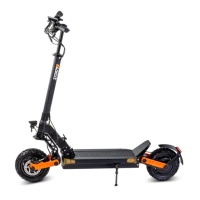
Check that all of the items pictured above are included in your scooters package. If any are missing please contact
your dealer.
1. Package Contents and Product Diagram
GPad® Storm Manual
Charger
Tools
4mm
ƔƓĺѵ(Ƒ
5mm 2.5mm3mm
USER MANUAL
2. Dashboard
Handlebar Quick Release Lever
Folding quick release
Folding lever catch
Suspension
Disc brakes
Charge port
Front Light
Kickstand
Rear Light
3 (ENG) 4
Ĵ$_;vr;;7lo7;-Ѵ-vu;v;|v|oƏ_;mou;v|-u||_;v1oo|;uĺ$ov|-u|ub7bm]Cuv|ru;vv|_;Ƴh;|o|umom|_;lo|ouvĺ
Front brake lever
$_uoѴ;
Rear brake lever
Bell
bvrѴ-1om|uoѴ0omv
Cruise control indicator
Power usage indicator
Speed mode. 3 is fastest, 1 is slowest.
Əbm7b1-|;v|_-||_;lo|ouv-u;o@ĺ
Speed indicator
Speed unit
-;u1_-u];Ѵ;;Ѵ
b]_|bm7b1-|ou
Fault indicator
Odometer, trip, range, max speed,
-;u-];vr;;7-m7;uuou1o7;7bvrѴ-
"bm]Ѵ;-m77-Ѵ7ub;bm7b1-|ou
o7;0omŊshort press
|o|umomņo@=uom|_;;Ѵ
drive. Press and hold to
;m|;u|_;v;মm]vl;m
Ѵv0omŊpress to
change to higher speed
bmv0omŊpress to
change to lower speed
o;u0omŊshort
press to turn on the lights.
Long press to turn the
v1oo|;uomo=o@
LCD display
M


 To Next Page