EasyManua.ls Logo

GPRINTER GP-1125D - User Manual

GPRINTER GP-1125D
17 pages
Print Icon
To Next Page IconTo Next Page
Loading...
Customer service hotline : 400 611 3828
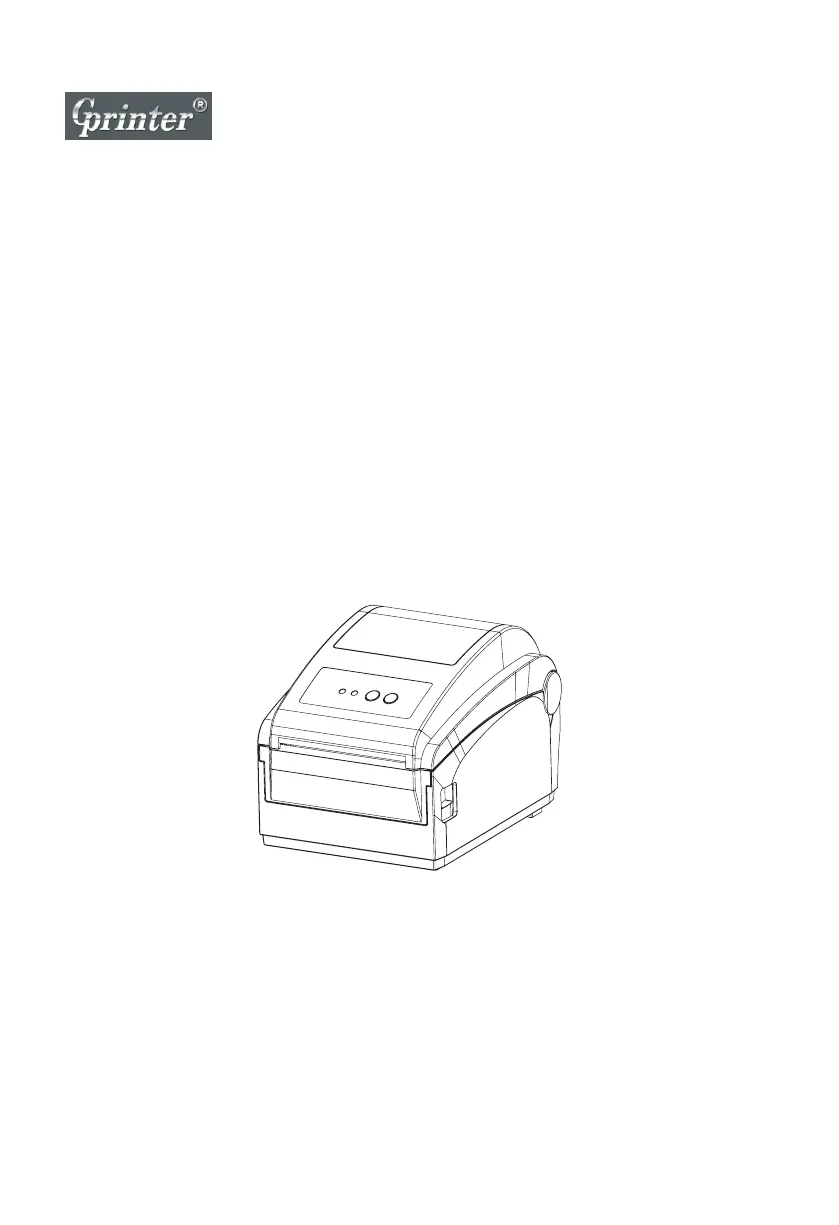
Direct thermal Label Printer
User's Manual
GP-1124D / GP-1125D

Questions and Answers

Summary

1. The Printer

1.1 Introduction

Brief overview and thank you for choosing the GP-1124D/GP-1125D label printer.

1.2 Product Features

Details the standard equipment and capabilities of the printer, including fonts and barcodes.

1.3 Specifications

Lists technical specifications such as model, size, weight, power supply, and environment.

1.4 Print Specifications

Outlines print head resolution, mode, speed, width, length, and wear specifications.

1.5 Paper Size

Defines paper capacity, type, winding form, width, thickness, and roll axis size.

2. Product Introduction

2.1 Unpacking and Inspection

Instructions for safely opening the package and checking for any damage or missing items.

2.2 Printer Components

Identifies external and internal parts of the printer, including indicators and ports.

3. Installation

3.1 Printer Installation Steps

Guides on how to place, connect, and power up the printer for initial setup.

4. LED Indicator and Function

4.1 LED Indicator Status

Explains the meaning of LED combinations for printer status and error conditions, including direct thermal printing.

4.2 Button Functions

Details the operation of the FEED and PAUSE buttons for printing, job timeout, and other functions.

4.3 Printer Start Functions

Covers five power-up functions: self-test, DIP switch page print, debugging mode, skipping AUTO.BAS, and printer initialization.

5. Troubleshooting

5.1 Common Problems and Solutions

Provides a guide to diagnose and resolve common issues like power, printing, and quality problems.

6. Maintenance

6.1 Printer Cleaning Procedures

Details the recommended steps and materials for cleaning the print head, rollers, and sensors.

GPRINTER GP-1125D Specifications

General IconGeneral
Resolution203 DPI
Print MethodDirect Thermal
Media TypeFanfold
Processor32-bit RISC
InterfaceUSB, Serial
Power SupplyAC 100-240V, 50/60Hz
Storage Temperature60°C
Paper TypeTag
Print Speed127 mm/s
Media Thickness0.06 mm - 0.18 mm

Related product manuals