EasyManua.ls Logo

GPRINTER GP-1224D - User Manual

GPRINTER GP-1224D
17 pages
Print Icon
To Next Page IconTo Next Page
Loading...
Customer service hotline : 400 611 3828
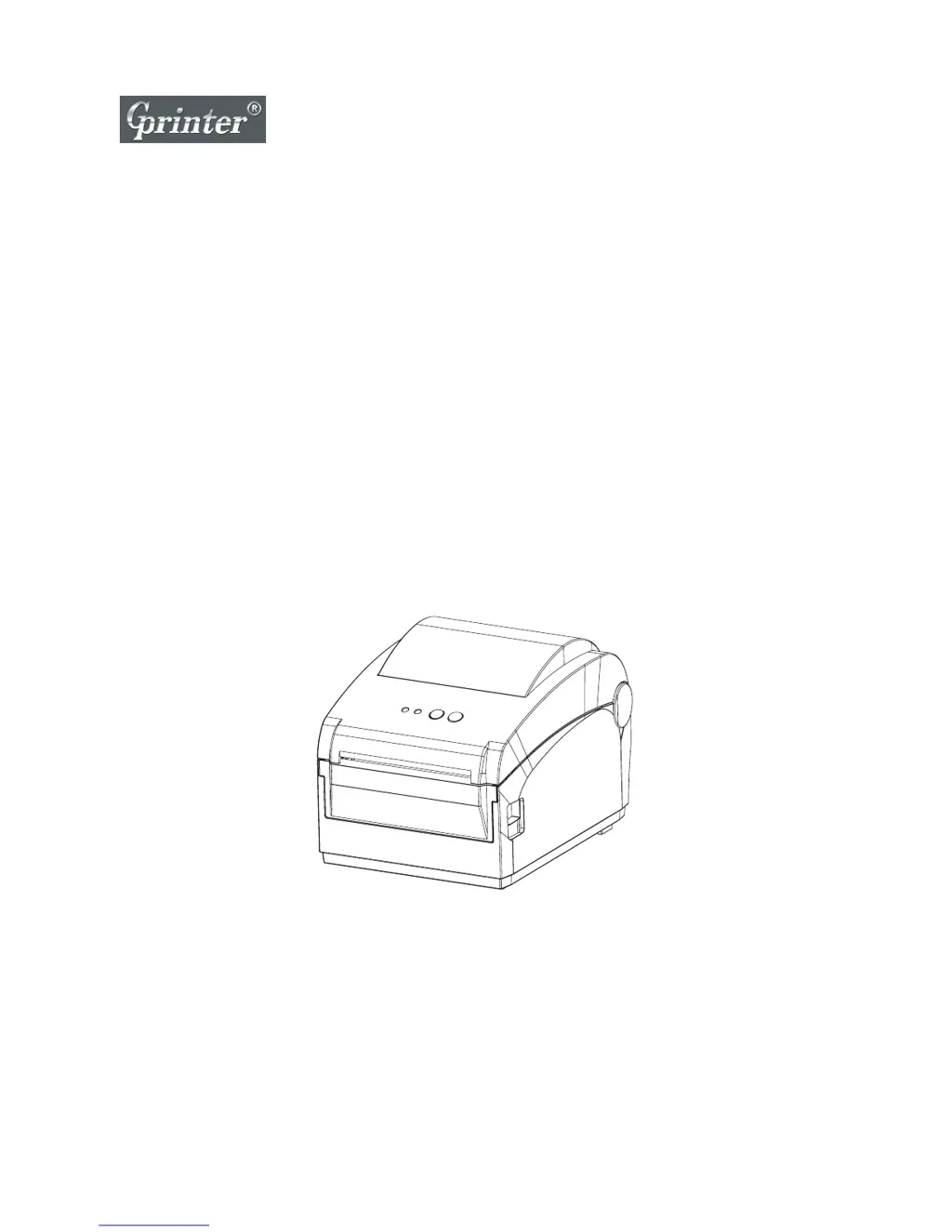
Direct thermal Label Printer
User's Manual
GP-1224D / GP-1225D

Questions and Answers

Summary

Installation and Operation

Power-up Functions

Details functions accessible during printer startup (Self-test, DIP Switch, etc.).

Printer Functions

Self-test

Instructions on how to perform a self-test to check printer functionality.

Troubleshooting

Common Problems and Solutions

Lists common issues like 'Power indicator not ON' and 'Not printing' with solutions.

Not Printing Issues

Addresses issues related to connectivity, paper, and command settings.

Print Quality Issues

Solutions for problems like poor print quality, data miss, and wrinkles.

Maintenance

Printer Cleaning

Guide on cleaning the print head, rubber roller, and other printer parts.

GPRINTER GP-1224D Specifications

General IconGeneral
Print Resolution203 DPI
InterfaceUSB
Media TypeThermal Paper, Thermal Sticker Paper
Memory8 MB DRAM, 4 MB Flash
Media Thickness0.06 mm - 0.25 mm
Processor32-bit RISC
Power SupplyAC 100-240V
Label Thickness Range0.06 mm - 0.25 mm

Related product manuals