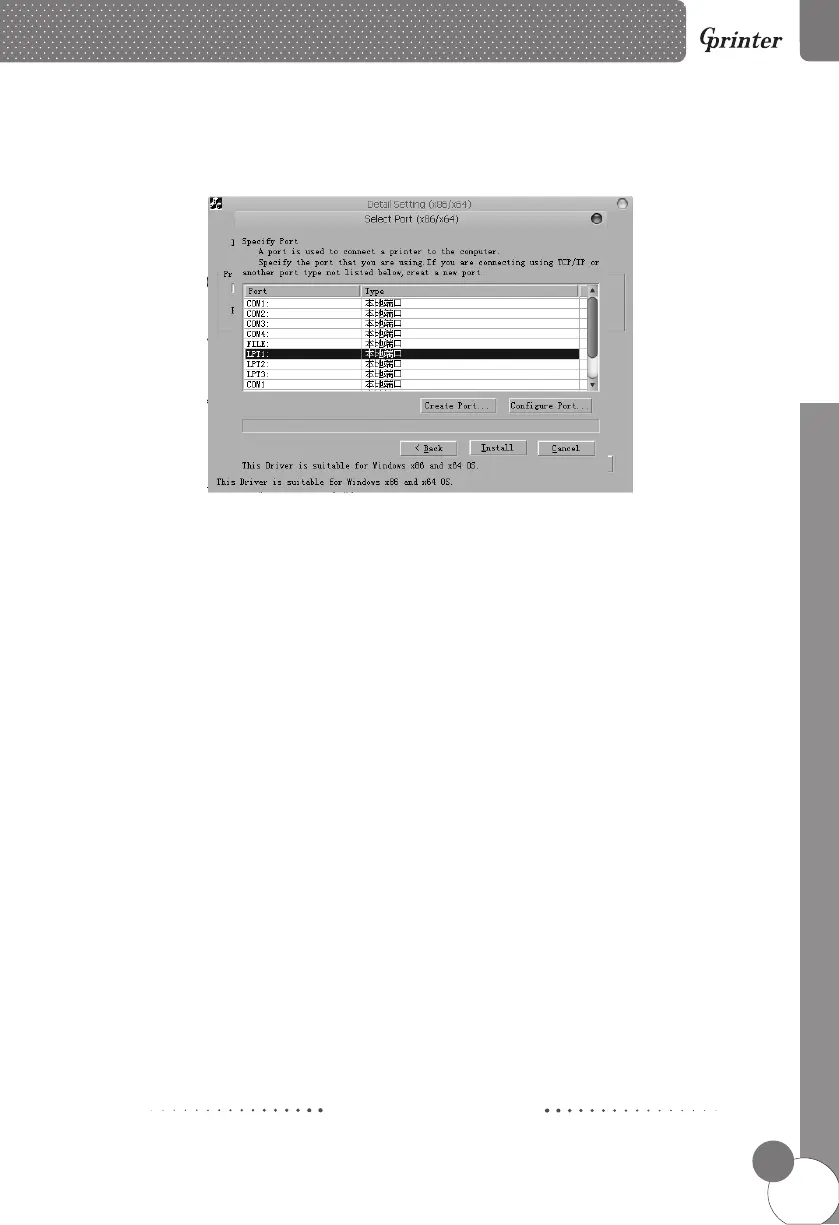
f. After the installation is complete, the control panel - printers and faxes, right-click the
printer - properties, depending on the type of printer interface, select the corresponding
interface.
e. Select the corresponding printer port.
I mpact Dot-matrix Printers
8
IMPACT DOT-MATRIX PRINTER



 To Next Page