4
Video Output
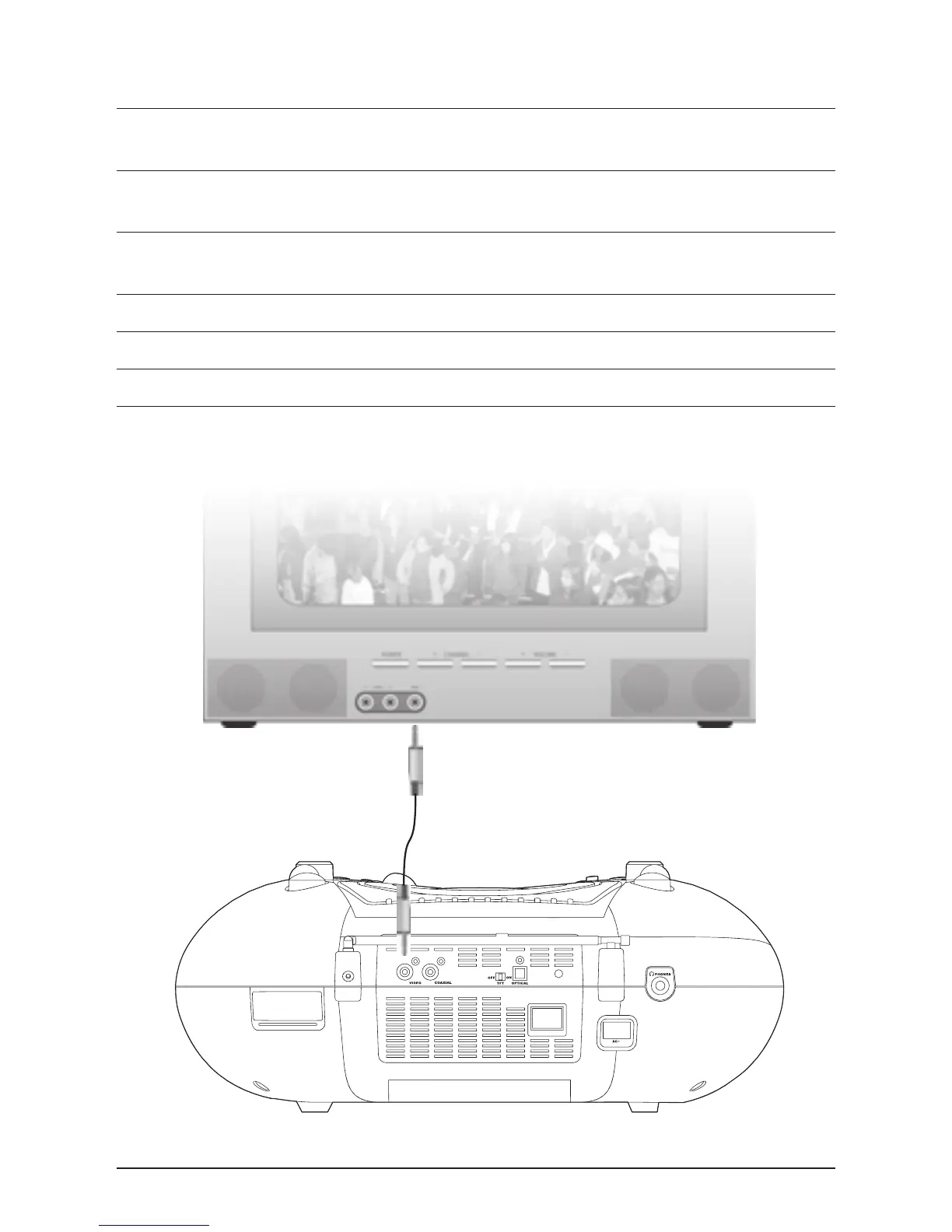
Step 1. When connecting two products using an RCA Cable, match the colored ports
with the same colored connection. (Yellow to Yellow)
Step 2. Plug one end of the RCA Video Cable (not included) into the Video Output
on the unit.
Step 3. Plug the other end of the RCA Video Cable (not included) into a video input
on a television.
Step 4. Set the television to the appropriate video input.
Step 5. Press the Power Button to turn the unit on.
Step 6. Video played through the unit will now appear on the connected television.


 To Next Page