5
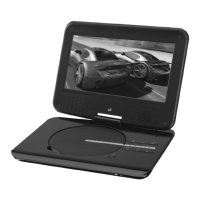
Playing a DVD or CD
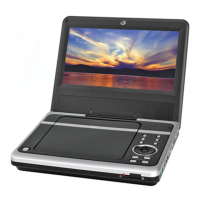
Playing the AM or FM Radio
Step 1. Turn the DVD/OFF/RADIO Dial to the DVD position.
Step 2. Open the DVD/CD door, and insert the DVD or CD to be played.
Step 3. Press the Play Button to begin playing the loaded disc.
Step 1. Turn the DVD/OFF/RADIO Dial to the Radio position.
Step 2. Turn the AM/FM/FM St. Dial to the desired position.
Extend and adjust the FM antenna to improve FM radio reception.
An AM antenna is built into the unit. To improve AM reception, adjust the
position of the unit.
Step 3. Turn the Tuning Dial to adjust the AM or FM radio station.
Step 4. Turn the Volume Dial to adjust the volume of audio output from the unit.


 To Next Page