10
Video Output
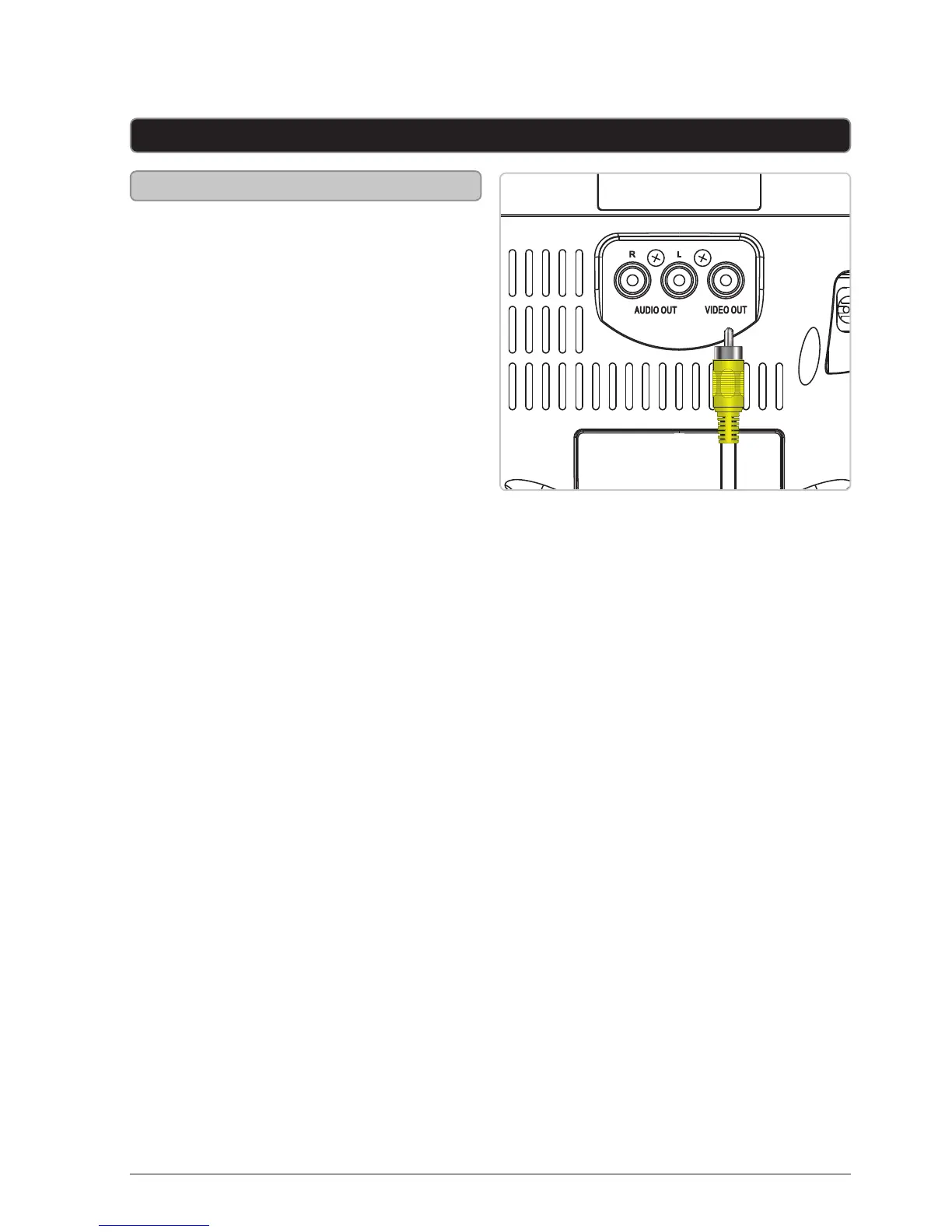
Composite Video Output
Requires an RCA video cable (included)
1. Connect an RCA video cable
to the RCA Video Output on
the karaoke machine and a
video input on a television.
2. Adjust the television source to
the input used in step one.
3. Content played through the
karaoke machine will now be seen
on the connected television.



 To Next Page