11
Audio Output
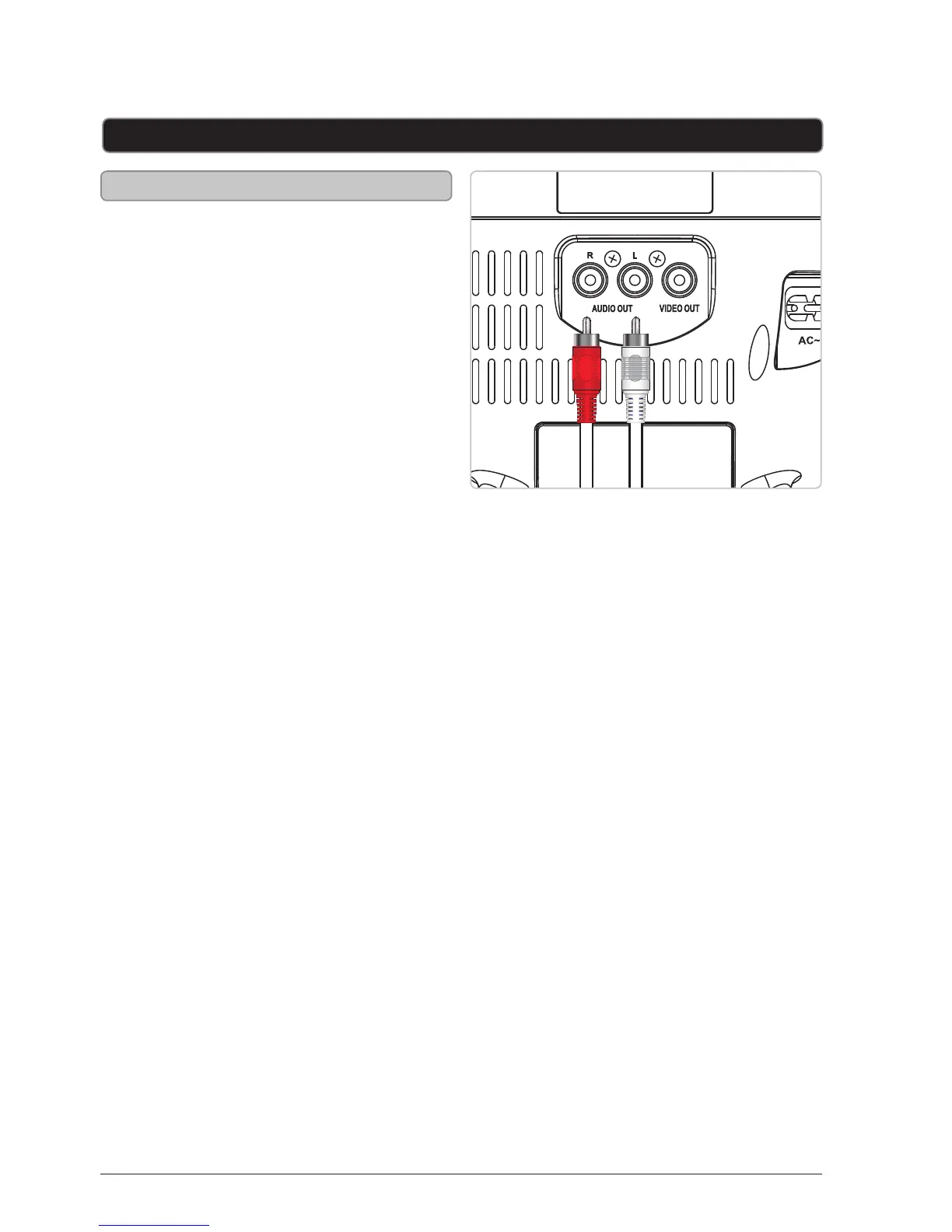
RCA Audio Output
Requires an RCA audio cable (included)
1. Connect an RCA audio cable to
the RCA Audio Output on the
karaoke machine and an audio input
on an external stereo system.
2. Adjust the external stereo systems
source to the input used in step one.
3. Audio played through the karaoke
machine will now be heard through
the connected stereo system.



 To Next Page