EasyManua.ls Logo

GPX JM332B - Introduction

GPX JM332B
12 pages
Print Icon
To Next Page IconTo Next Page
To Previous Page IconTo Previous Page
Loading...
6
Introduction
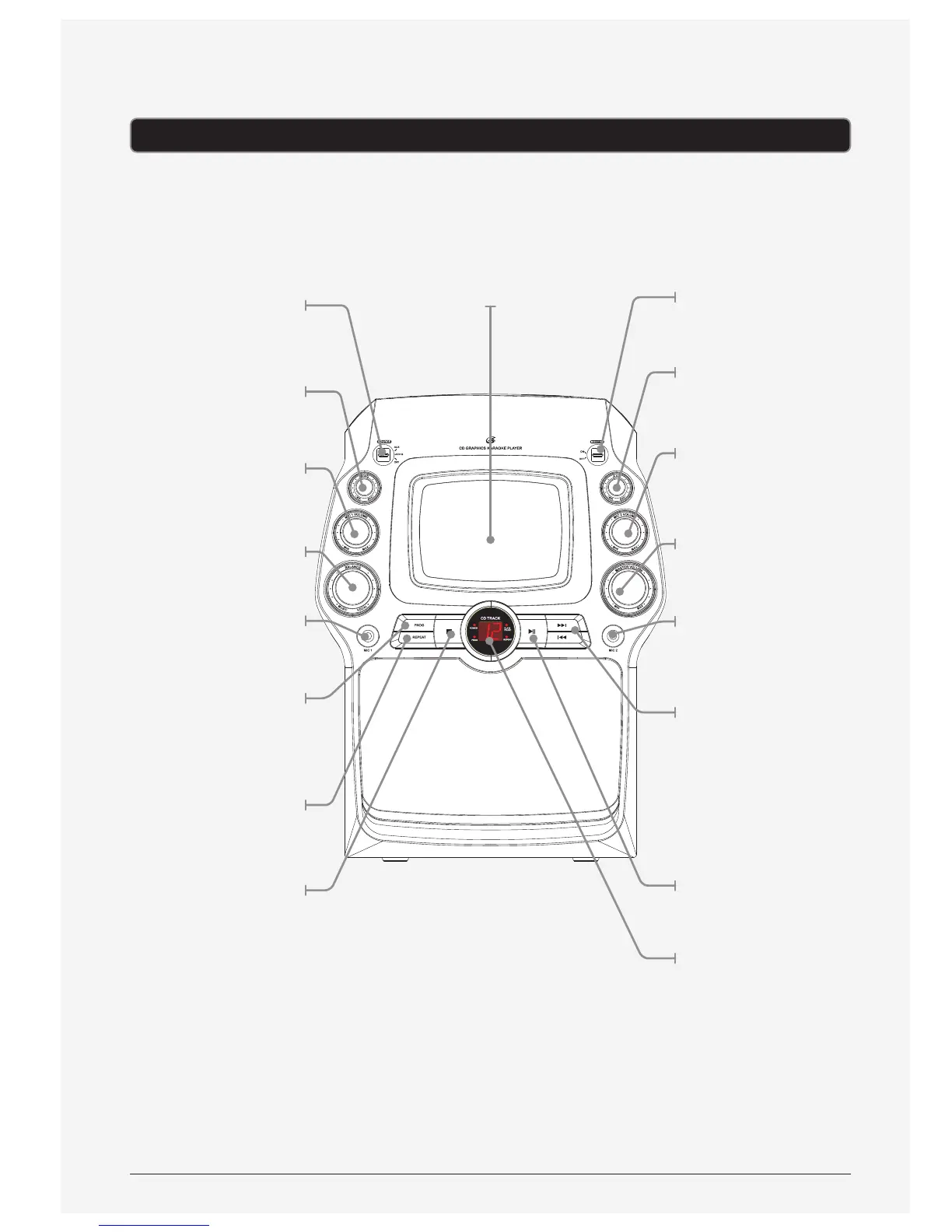
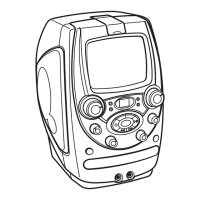
Monitor
Adjust to turn the
monitor on or o.
AVC
Turn to adjust the
automatic voice control.
Mic 2 Volume
Turn to adjust the
volume from the
Mic 2 input.
Master Volume
Turn to adjust the
master volume.
Mic 2 input
Skip/Search
Press to skip between
tracks on a loaded
disc. Press and hold
to fast-forward or
fast-rewind the current
track on a loaded CD.
Note: Fast forward
and rewind will not
work with CD+G.
Play/Pause
Press to play or pause
a loaded disc.
LED Display
Source
Use to adjust the
source between
AUX, CD+G or OFF.
Echo
Turn to adjust the echo.
Mic 1 Volume
Turn to adjust the
volume from the
Mic 1 input.
Balance
Turn to adjust
the balance.
Mic 1 Input
Program
Press to program
a loaded disc to
play tracks in a
specied order.
Repeat
Press repeatedly to set
the current track or
entire album to repeat.
Stop
Press to stop a disc
during play.
Display