Customer Support: 1-314-621-2881 GPX - PD908B 9
Loading a DVD or CD
Playing a DVD or CD
Programming a DVD or CD
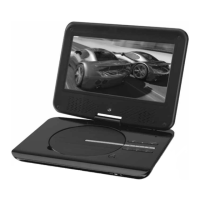
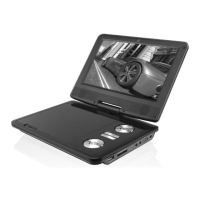
1. Press the OPEN button on the
portable DVD player.
2. Insert a DVD or CD into the player,
label side facing up.
3. Close the DISC DOOR.
1. Follow the instructions for Loading
a DVD or CD.
2. Press the PLAY/PAUSE button to
begin playing the loaded disc.
3. Press the STOP button to stop a
DVD or CD during play.
1. Follow the instructions for Loading
a DVD or CD.
2. Follow the instructions for Playing
a DVD or CD.
3. Press the PROGRAM/ANGLE
button on the remote.
4. Use the NUMBER KEYPAD to enter
in titles and chapters or tracks in
the order you wish to view or listen
to them.
5. Use the DIRECTION buttons to
highlight the on-screen PLAY
button.
6. Press the OK button to begin
playing the programmed disc.
7. To cancel the program, press
the PROGRAM/ANGLE button
to bring up the program menu,
use the DIRECTION buttons to
highlight the on-screen CLEAR
button, and press the OK button.
DVD and CD


 To Next Page