EasyManua.ls Logo

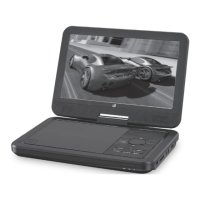
GPX PD908B - Introduction

GPX PD908B
12 pages
Print Icon
To Next Page IconTo Next Page
To Previous Page IconTo Previous Page
Loading...
GPX - PD908B6
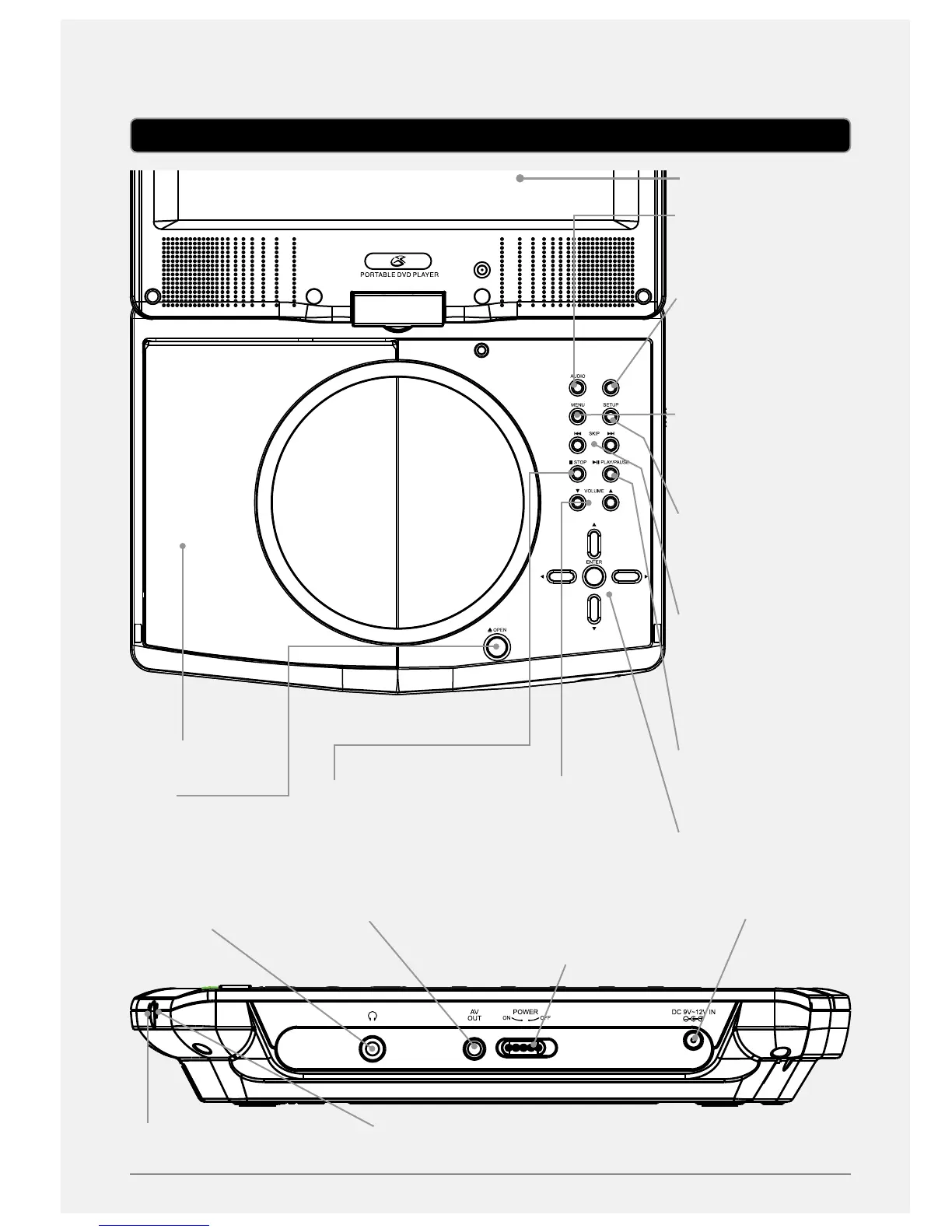
VOLUME
Press adjust the volume.
Introduction
OSD/WIDE
DISPLAY
AUDIO
Press to adjust the
audio language.
OSD/WIDE
Press to view the on-
screen display. Press
and hold to adjust the
aspect ratio.
MENU
Press to access the
loaded DVD’s main
menu.
SETUP
Press to access the
portable DVD players
setup menu.
SKIP/SEARCH
Press to skip between
chapter and tracks on a
loaded disc. Press and
hold to fast forward or
rewind a loaded disc.
PLAY/PAUSE
Press to play or pause a
loaded disc.
DIRECTION/ENTER
Press to navigate menus
and make selections.
STOP
Press to stop a disc
during play.
DISC DOOR
OPEN
Press to open the disc
door.
STEREO HEADPHONE
JACK
CHARGE INDICATOR
A/V OUTPUT
POWER INDICATOR
POWER
Adjust to power the
portable DVD player o
or on.
DC POWER INPUT

Related product manuals