EasyManua.ls Logo

GPX TD4022 - Introduction to Your TV; Physical Controls and DVD Player Buttons; Rear Panel Connection Ports

GPX TD4022
16 pages
Print Icon
To Next Page IconTo Next Page
To Previous Page IconTo Previous Page
Loading...
6
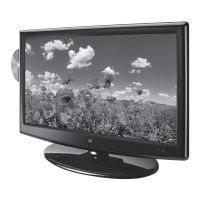
Introduction
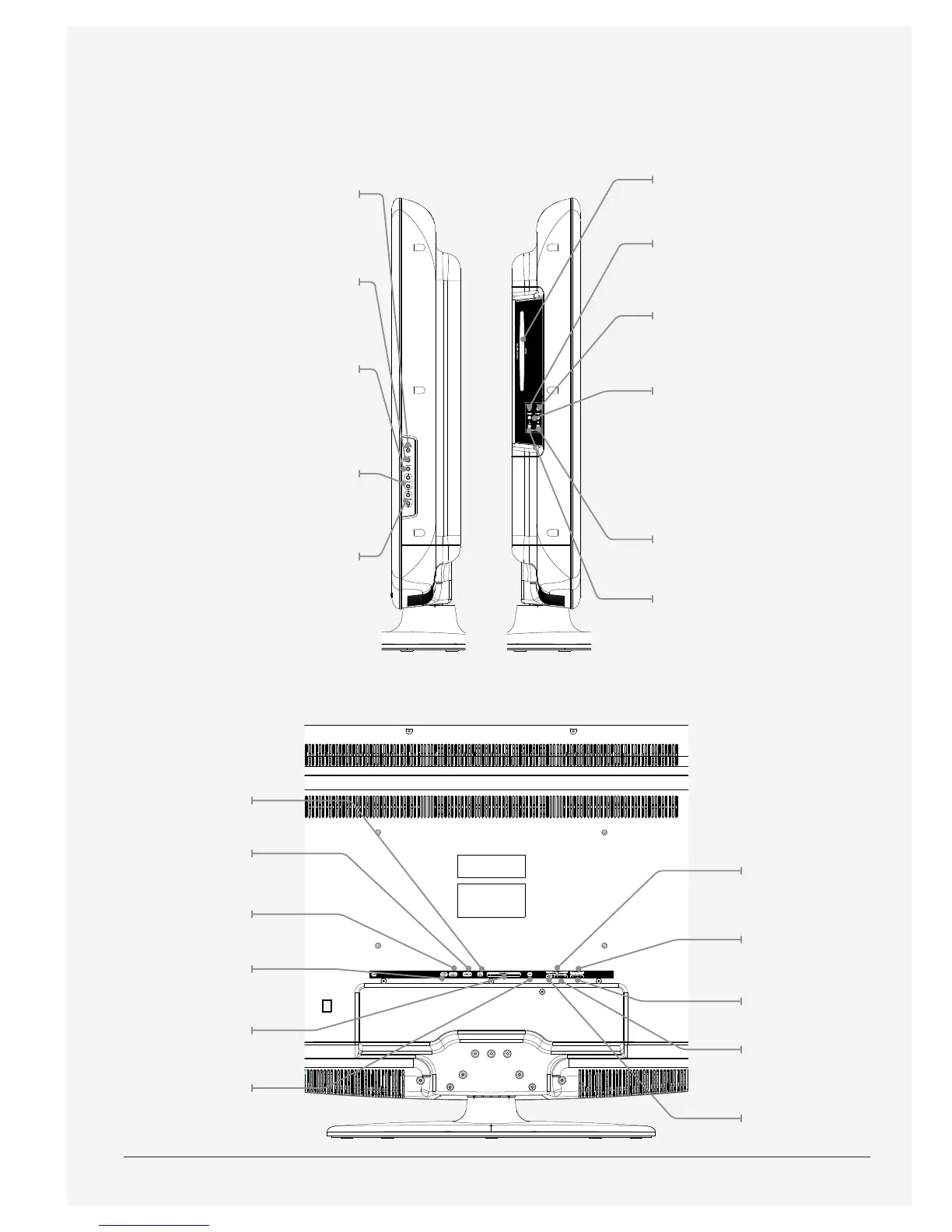
PC Audio
VGA/PC In
RF Input
Optical Out
HDMI Inputs
USB Port
Component
Video Input
Audio Input 2
Audio Output
Audio Input 1
Composite
Video Input
DVD/CD Player
Repeat
Press to repeat a title, chapter,
track, or entire disc.
Play/Pause
Press to play or pause a
loaded disc.
Skip/FF/Rew
Press and hold to fast
forward or rewind
through a loaded disc.
Press to skip between
chapters or tracks on
a loaded disc.
Stop
Press to stop a loaded disc.
Eject
Press to eject a loaded disc.
Power
Press to turn
the television
o and on.
Source
Press to adjust
the source.
Setup
Press to access
the television
setup menu.
Channel±
Press to adjust the
television channel.
Volume ±
Press to adjust
the volume.

Related product manuals