GPX8
Plug the attached AC cord into a standard AC
power outlet to power the television.
Requires 2, AAA size, batteries (included)
PC
AUDIO
USB
DRIVE
AC IN
RL
AUDIO IN 1
VIDEO 1
Pr
Pb
Y
VIDEO INPUT 1
TV ANTENNA
RL
AUDIO IN 2
Pr
Pb
Y
VIDEO INPUT 2
VIDEO 2
OPEN
Setup
Power
Remote Power
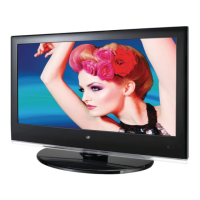
Requires stand and 3 machine screws
(all included)
1. Insert a single machine screw through
the bottom of the stand and up into the
television. Tighten by hand using a philips-
head screw driver.
2. Insert the remaining two screws through
the back of the stand and into the television.
Tighten by hand using a philips-head screw
driver.
Connecting the Stand


 To Next Page