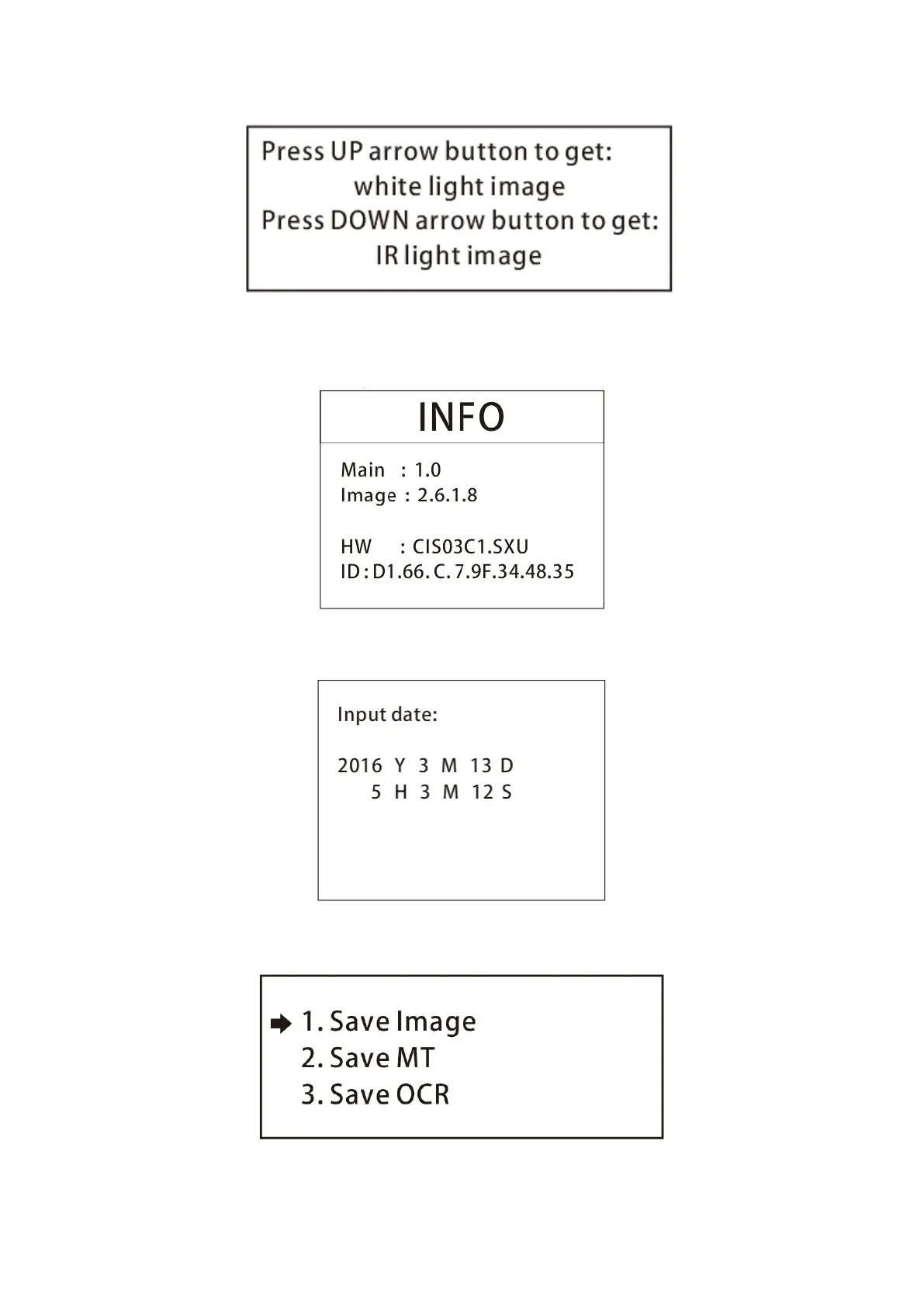
3.3 If you select to enter ‘Version Information’ under the main menu, you will see the following
interface.
3.4 If you select to enter ‘Current Time Setting’ under the main menu, you will see the following
interface.
3.5 If you select to enter ‘Save Image’ under the main menu, you will see the following interface. This
mode is used to scan a banknote and output the data file into a USB flash drive.
3.5.1 Press START button to go to Image saving mode. It will generate 4 images from single CIS model,


 To Next Page