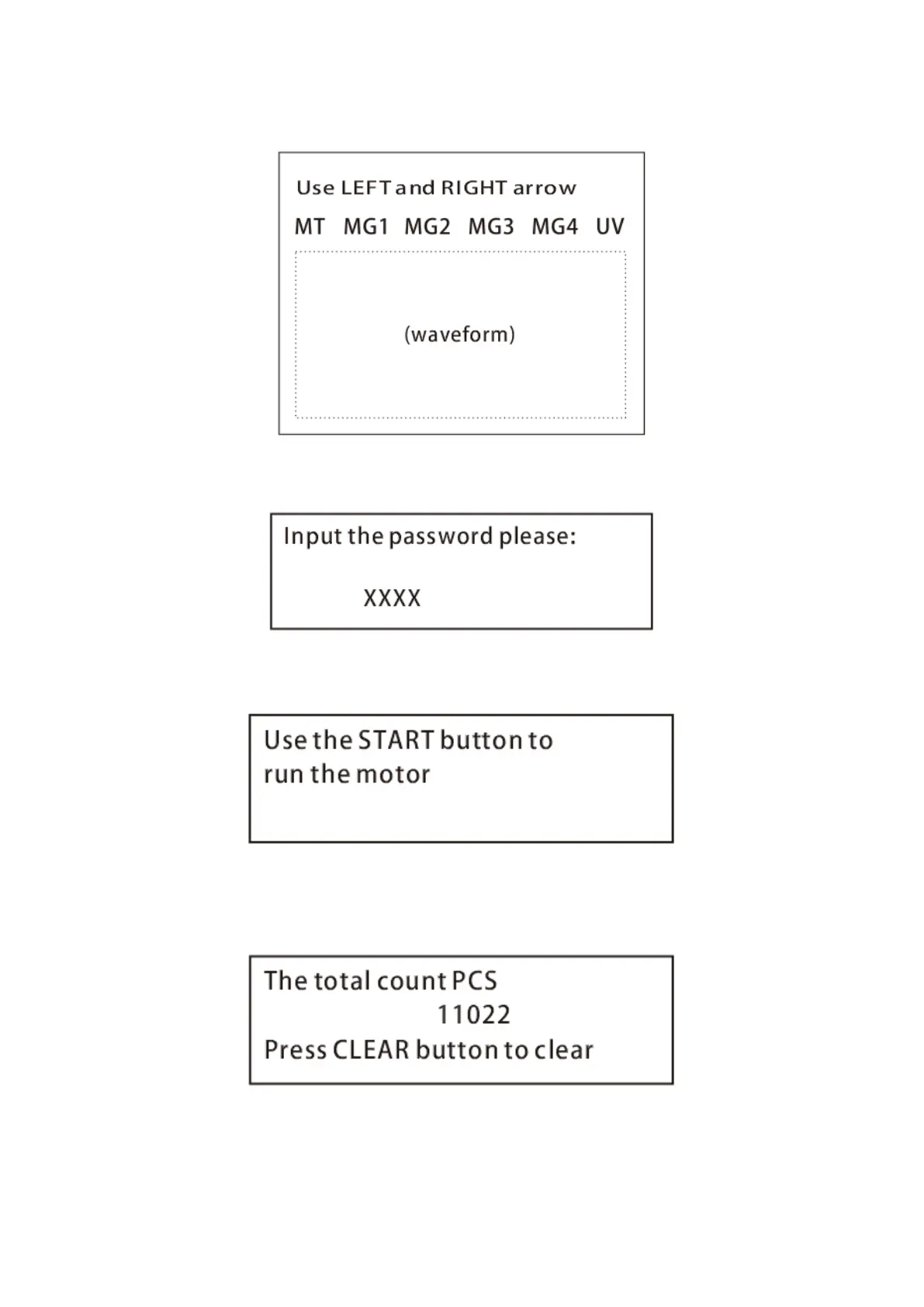
3.2.3 If you enter ‘MG/MT waveforms’, you will see the following interface
3.2.4 If you enter ‘Password Setting’, you will see the following interface to set a new password. After
inputting new password (4 digits), press START button to confirm and save.
3.2.5 If you enter ‘Motor and CIS Test’, you will see the following interface. This mode is to be used for
production and professional servicing purpose.
3.2.6 If you enter PCS counted and reset’, you will see the following interface. This interface is to tell
the total quantity of counted bills in this counter since last clearing to zero. We provide a hidden
setting for distributors to clear this number for after-sales service.
3.2.7 If you enter ‘Acquire CIS Image’, you will see the following interface. This mode is for servicing
purpose.


 To Next Page