and 5 images from dual CIS model from a single insert direction.
3.5.2 Move the cursor and selecting ‘Save MT’ will generate a .bin format file.
3.5.3 Move the cursor and select ‘Save OCR’ will generate a file for OCR processing purpose.
4. Detections
This counter incorporates various detections including UV(ultraviolet), MG(magnetic), MT(magnetic
thread), Reflected IR mapping, and Penetrating IR mapping.
5. Maintenance and troubleshooting
After start, the machine will go on self-check automatically. If preset window show the following error
code, generally speaking, it is because of dust on the surface or sensor blocked by notes. So please clear
the dust on the surface of sensor with brush or soft cloth, or take the notes away. Then restart the
machine.
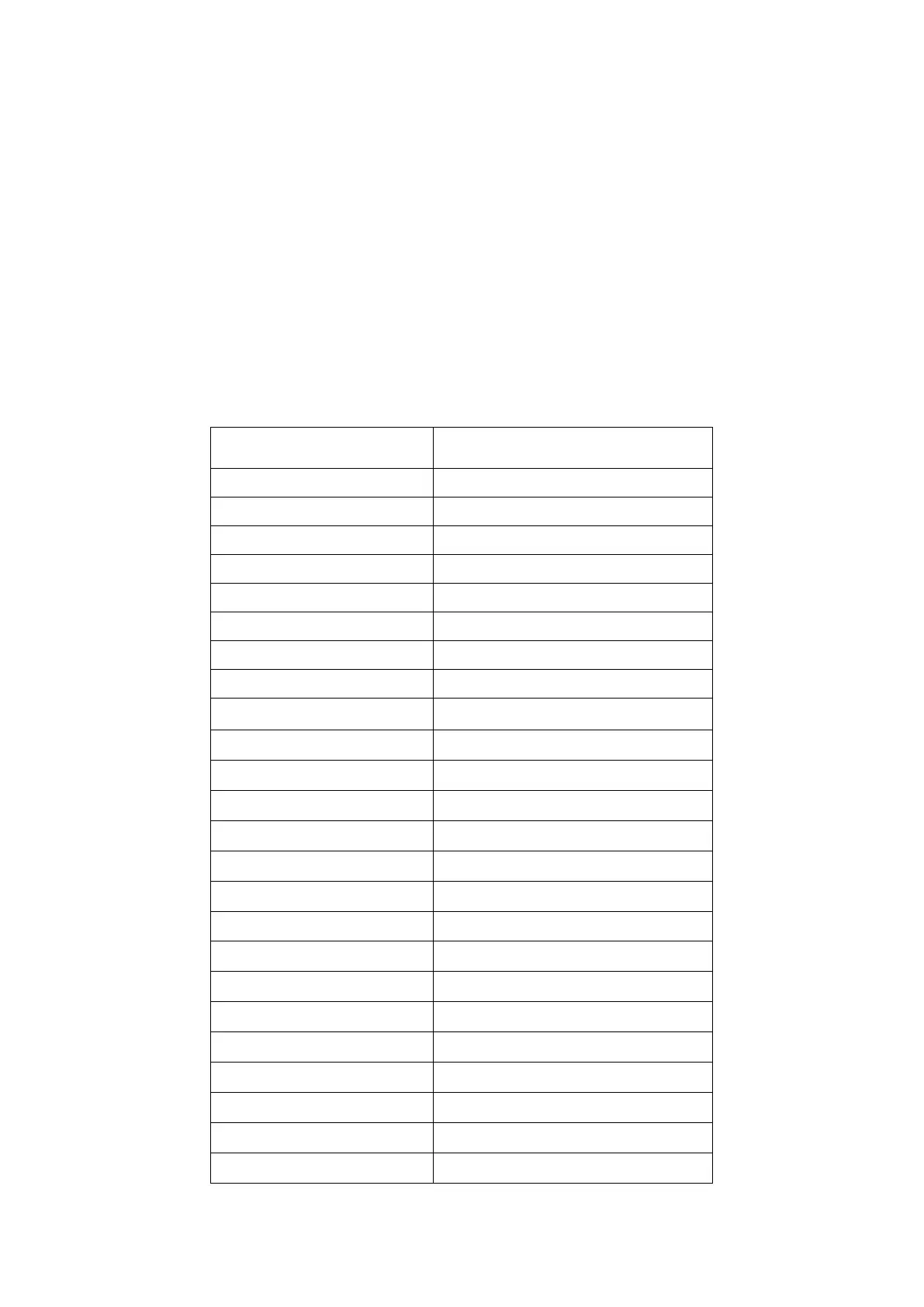
Bill CIS sensor signal lose
Bill facing recognize error
Bill size recognize error
Bill towards recognize error
IR transmission area 1 error
IR transmission area 2 error
IR transmission area 3 error
IR transmission area 4 error
IR transmission area 5 error
IR transmission area 6 error
IR transmission area 7 error
IR transmission area 8 error


 To Next Page