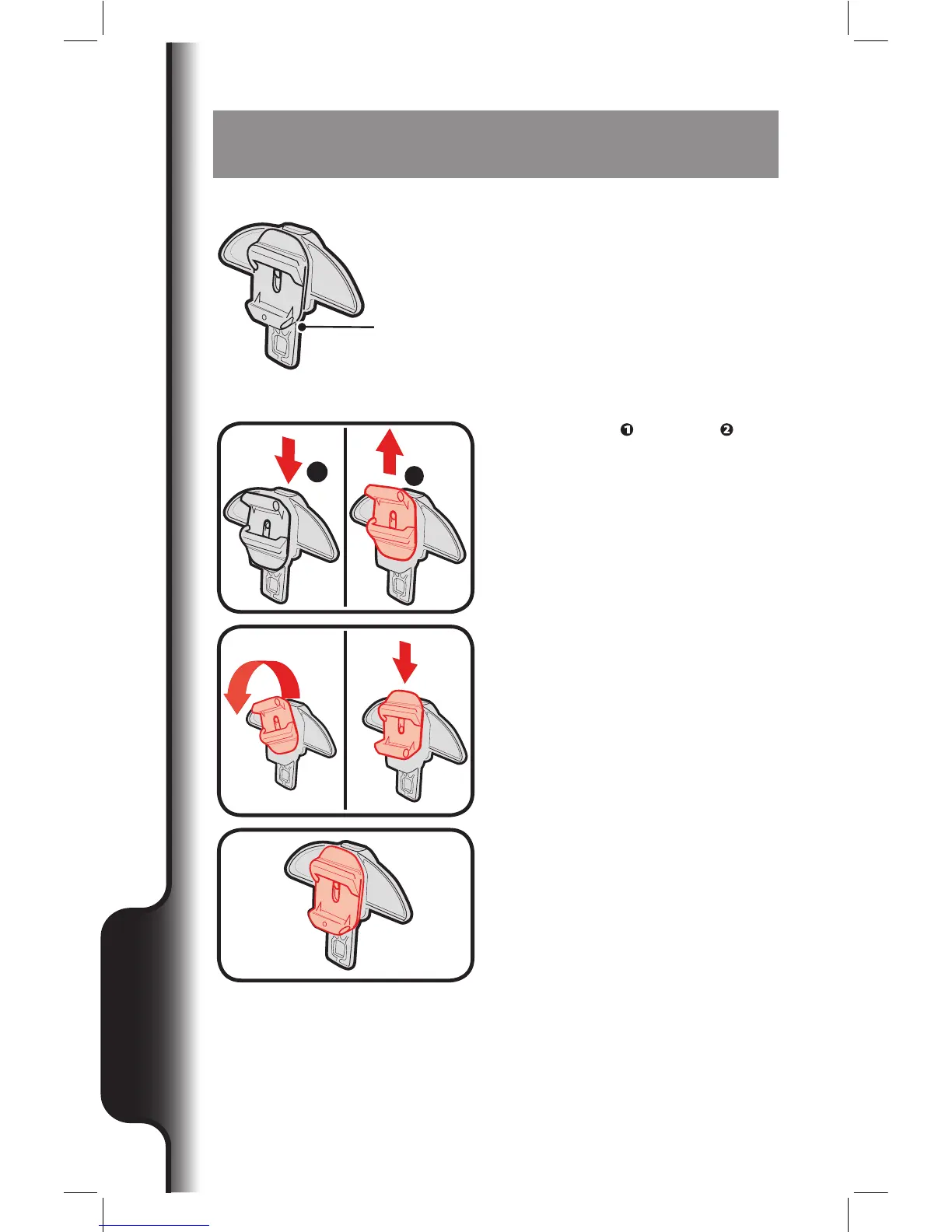
NOTE: Start assembly with the button
housing in this orientation. If not in this
orientation, follow steps 1-3.
Tube opening
1. Press button and pull up to
unlock and rotate as shown.
1
2
2. Rotate until tube opening is on the
bottom, then press down to lock it
in place.
3. CORRECT.
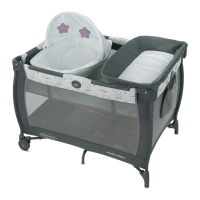
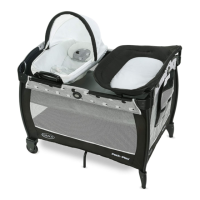
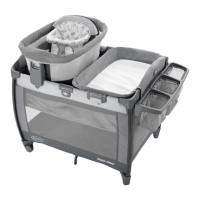
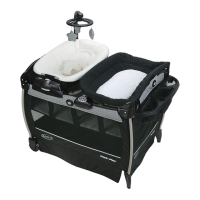
Changing Table Mode



 To Next Page