15
DE
EN
FR
ES
IT
NL
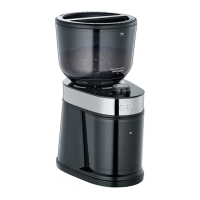
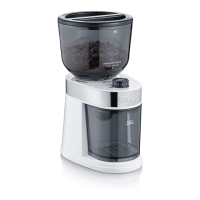
Only use whole coffee beans.
Select the grind by turning the grind
adjustment collar to the desired setting.
To grind coffee, set the switch to the ‘On’
position.
When the desired amount of coffee has been
ground, set the switch to the ‘Off’ position.
Remove the coffee grounds container.
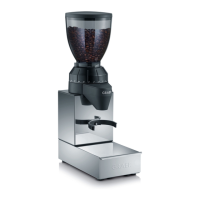
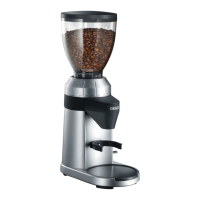
Grinding coffee directly in the group handle
Use the small or large group handle bracket.
Hold the group handle between the group
handle bracket.
Select the grind setting by turning the grind
adjustment collar to the desired setting.
Set the switch to “ON”.
The coffee grounds ow into the group
handle.
When the group handle is full, pull it back.
Set the switch to the “OFF” position.
Grinding coffee directly in the group handle
using and buttons
Hold the group handle between the group
handle bracket.
Set the switch to the ‘Auto’ position.
Press for one cup or for two cups.
When the grinding has stopped, remove the
group handle.
Notice: You can always end up the grinding by
pressing the selected button (
or ).
How to program
and grind amount
If the presetting won´t satisfy your demand,
you can change it by pressing the „P“ button.
Hold the group handle between the group
handle bracket.
Set the switch to the ‘Auto’ position.
On the control panel, press and hold the „P“
button for a period of 2 seconds - all three
buttons will ash once indicating you have
activated program mode. Remove your nger
from the „P“ button.


 To Next Page