Repair Manual MSG 90.6PG Commercial Vehicles, Omnibuses – November 2017
Material no. 1153450_c
3.39.2 Supporting structure – removal and installation (Atego, Axor)
Page 2 of 2
Removal and installation
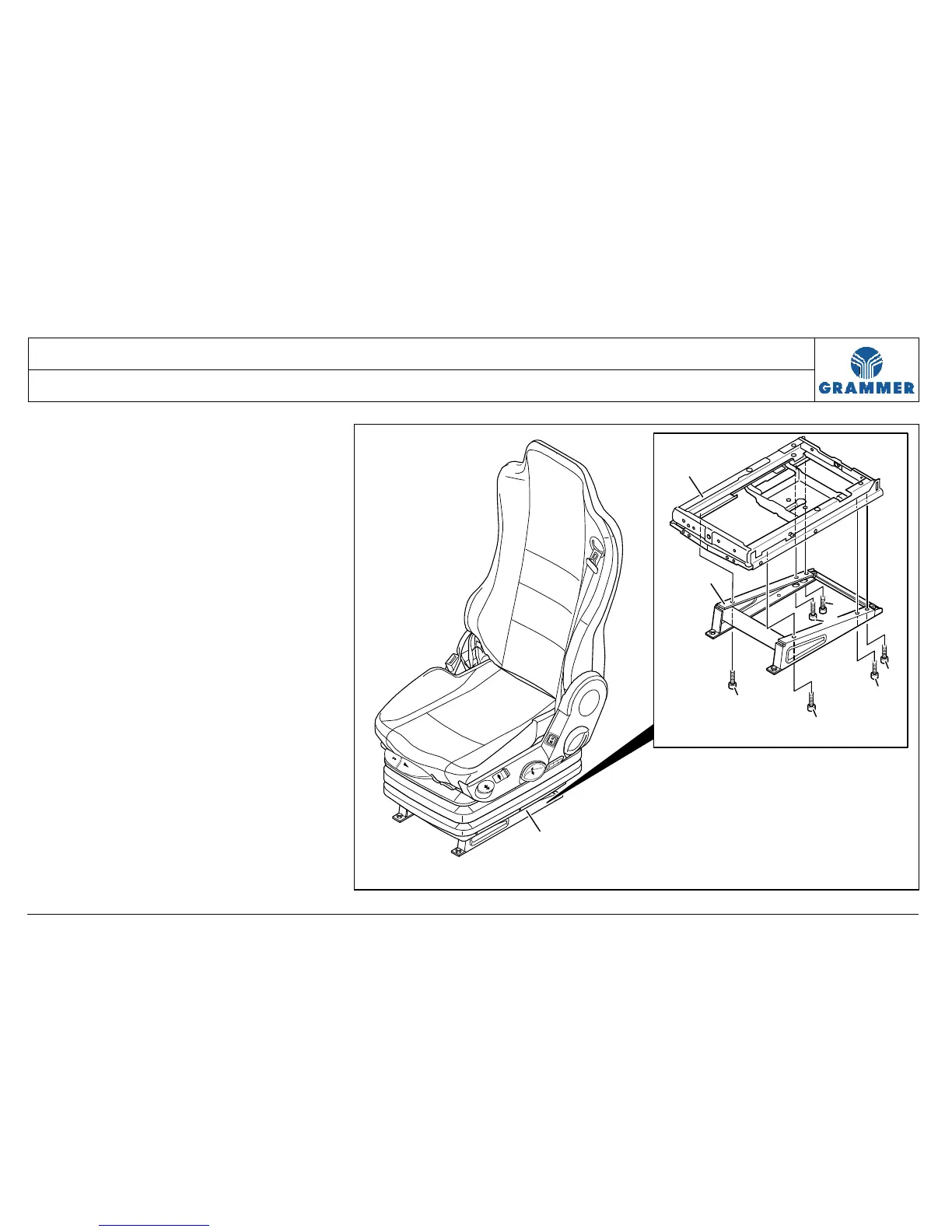
2 Unscrew four micro-encapsulated cap
screws (2).
Installation note:
Replace the micro-encapsulated cap
screw (2), 25 Nm.
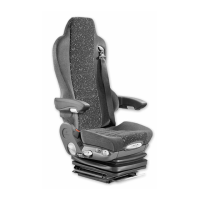
3 Remove the supporting structure (1)
from the lower suspension part (3).
4 Re-install the components in the
reverse order of their removal.
2
2
2
2
2
2
3
1
1
2244


 To Next Page