2.
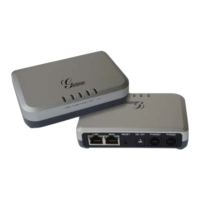
LAN Used to connect to your computer using an Ethernet Cable
(if you are not using a wireless router).
WAN Used to connect to your Internet Modem using the Ethernet
Cable provided in your package.
DC 12V Used to connect to a power source (like a wall outlet or
power bar), using the Power Adapter provided in your package.
PHONE 1 Used to connect to your telephone handset, using your
existing telephone cord. A telephone number will be assigned to
this port.
1
2
3
4
Package Contents
ETHERNET CABLE
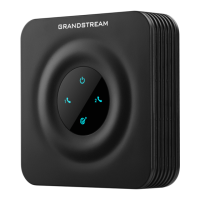
GRANDSTREAM HT502
VOIP ADAPTER
POWER ADAPTER
1 2
3 4
Package Contents



 To Next Page