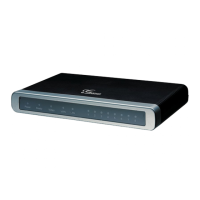
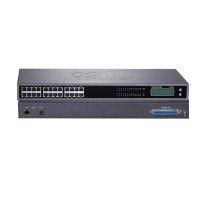
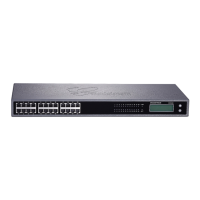
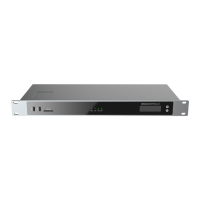
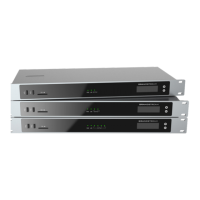
For the initial configuration, refer to the Grandstream GXW410x User Manual found at:
http://www.grandstream.com/index.php/products/ip-voice-telephony/enterprise-
analog-gateways/gxw410x
Table 4.1. Factory default settings
17.Log in to the Grandstream GXW410x WebUI by pointing your browser to the IP
address of the gateway.
18.When prompted, enter the Web Access Password to access to the WebUI (Figure 4-10).
Figure 4-10. Grandstream WebUI
19.Use the information from the Add SIP Extension page (Figure 4-4) to enter the
following necessary information on “Channels” section of the Grandstream Gateway
WebUI (Figure 4-11):
Phone Number Settings
Channels: 1 (The number of FXO port where the PSTN line is connected)
SIP User ID: “801” in this example
Authenticate ID: “801” in this example
Authen Password: “qbp567BBd4GT” in this example
Profile ID: Profile 1 (We are going to set this profile later)
Channel Specific Setting
DTMF Methods (1-7): ch1-4:2;


 To Next Page
 Loading...