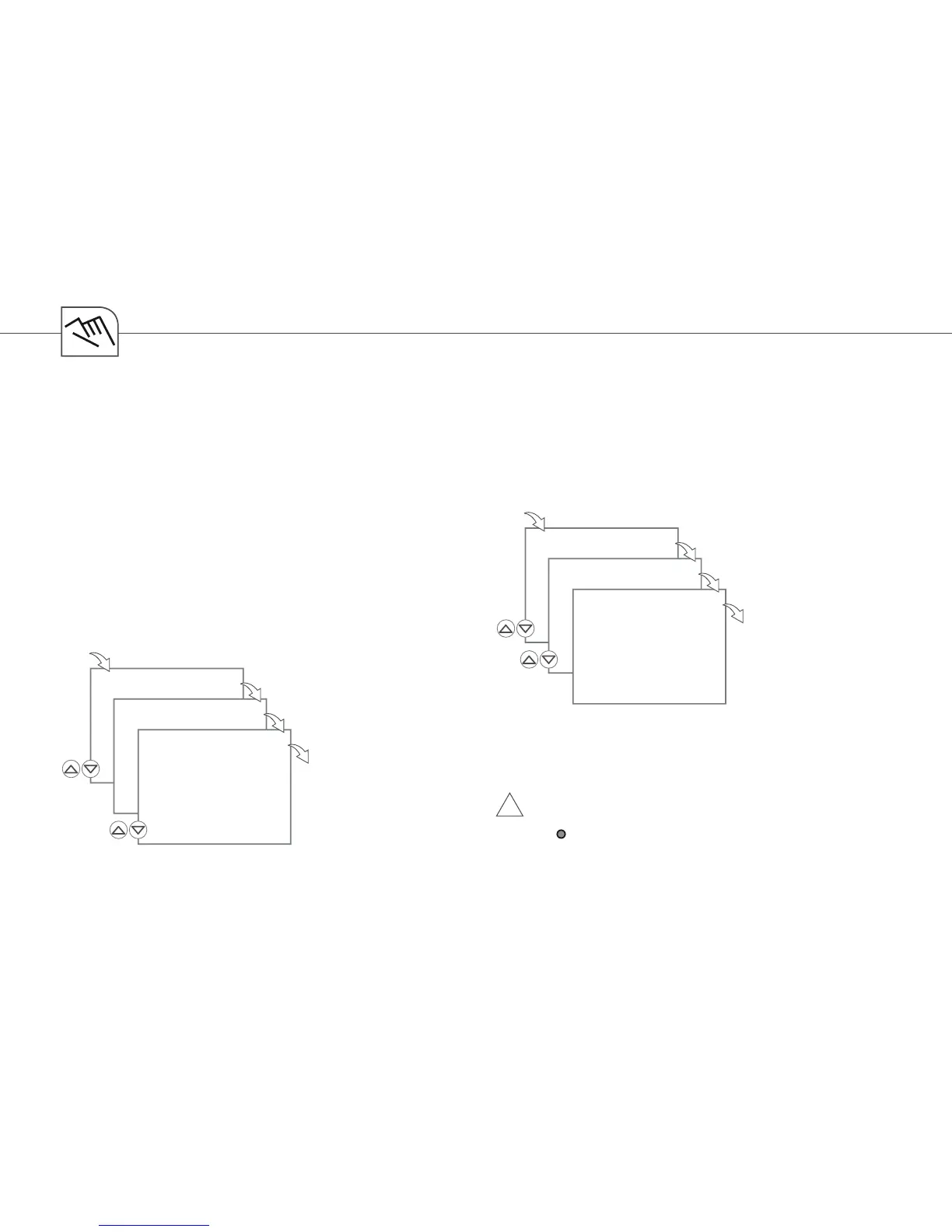
EXT I/P
EXT O/R
OK
OK
SELECT
CHANNEL
OK
EXT I/P
I/P COUNT
OK
OK
I/P
00000
OK
78
Select EXT O/R to assign a channel to an external
button
Upon pressing the button, an override switching
command will be executed It will be in effect
until the next time the button is pressed or until
the next automatic switching command
(For a description of the Override mode, see page
83)
External input - Manual switch
Press I/P COUNT to check the pulse counter It will
count how many times the external button was
pressed
!
Press RES to reset the pulse counter to zero and
conrm by pressing YES
Do not confound it with the Reset key
(
Res
) in the center of the selection keys!
External input – Pulse counter


 To Next Page
 Loading...