Chapter Topics
Book Topics
GrIP User’s Guide
Connecting GrIP Game Controllers
1. With your computer running, move the Mode selector slide switch
towards the two 15-pin joystick ”Pass-Thru“ connectors until the
green LED on the Pass-Thru wing lights up.
This switches the MultiPort into Pass-Thru (standard game port) Mode
and cuts off power to the four GrIP sockets so you can safely connect
GrIP controllers.
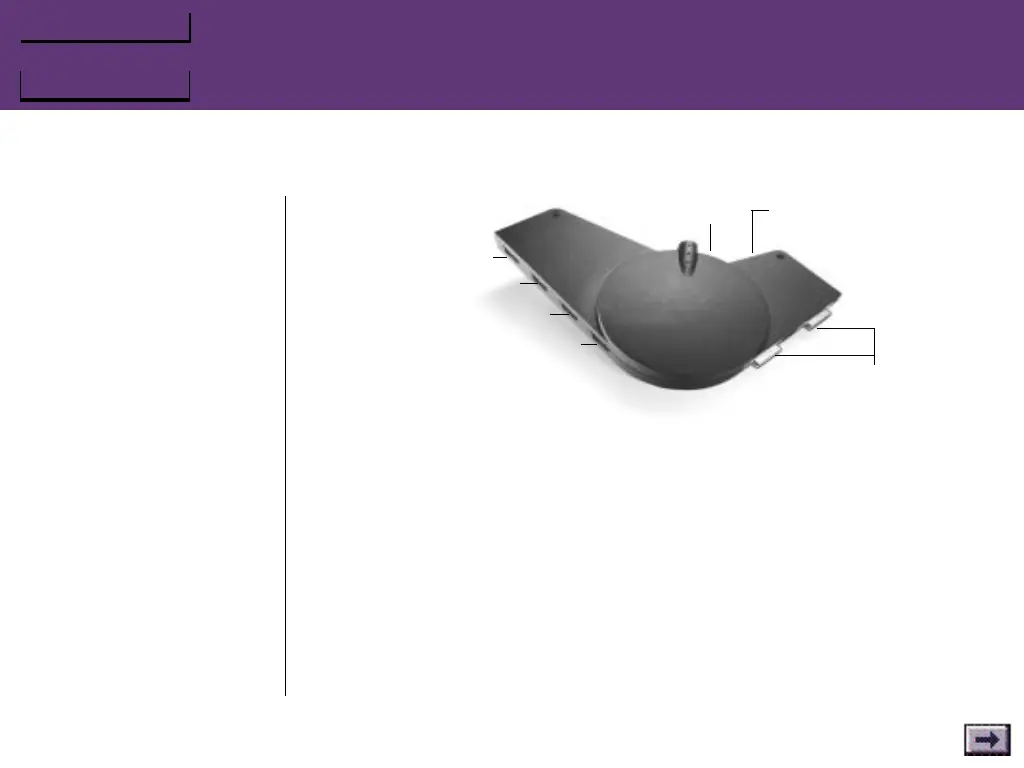
The ”GrIP wing“ on the MultiPort has four sockets, labeled Ports 1–4.
2. Attach each GrIP-Pad or other GrIP controller to one of these
sockets.
Chapter 2 – Connections
9-pin GrIP
sockets:
Port 1
Port 2
Port 4
15-pin standard joystick
“Pass-Thru” sockets
Port 3
Mode Selector
Switch
Reset Switch



 To Next Page