Chapter Topics
Book Topics
GrIP User’s Guide
Chapter 5 – GrIP Software
Step Mode Entries:
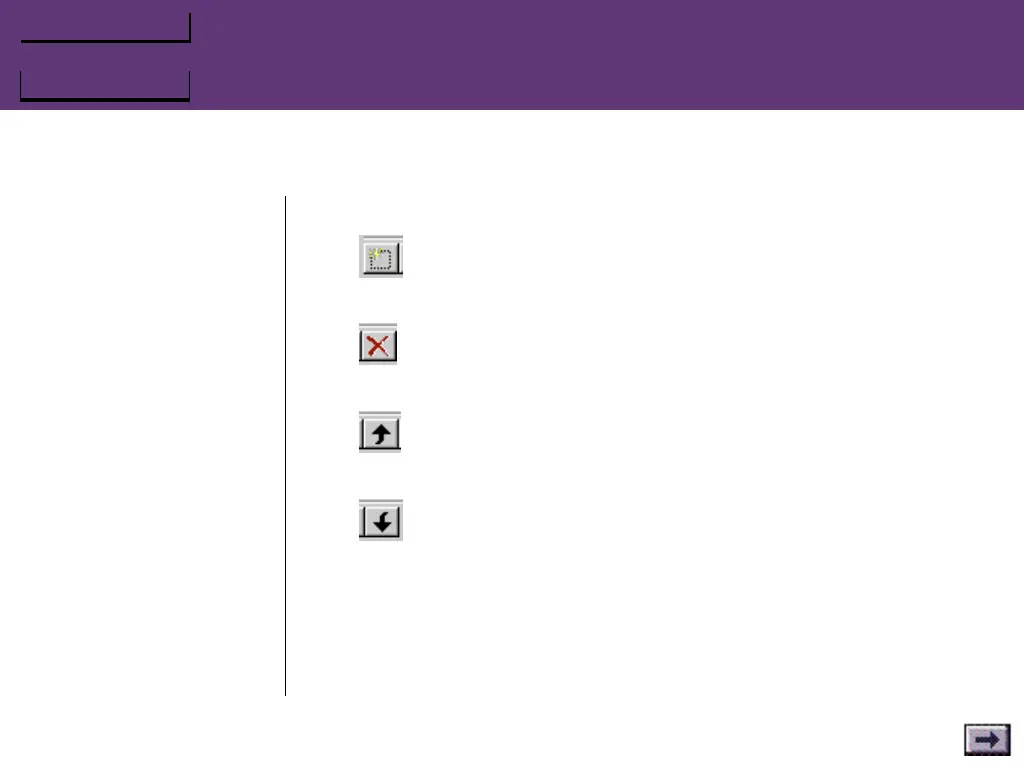
Add New String
Click on this to open a New Step String window.
Delete String
Click on this to delete the currently selected Step string.
Move Selected Step Up
Moves the selected Step string up in the list.
Move Selected Step Down
Moves the selected Step string down in the list.
Editing a Step String
Double-click on the step string to open the editing window. Select the
keystrokes that you want to change, then press Delete to delete
them—or type new keys to replace them.
...GrIPKey Keyboard Emulation Software, Cont’d.



 To Next Page