Chapter Topics
Book Topics
GrIP User’s Guide
Chapter 5 – GrIP Software
To Change Controller Types
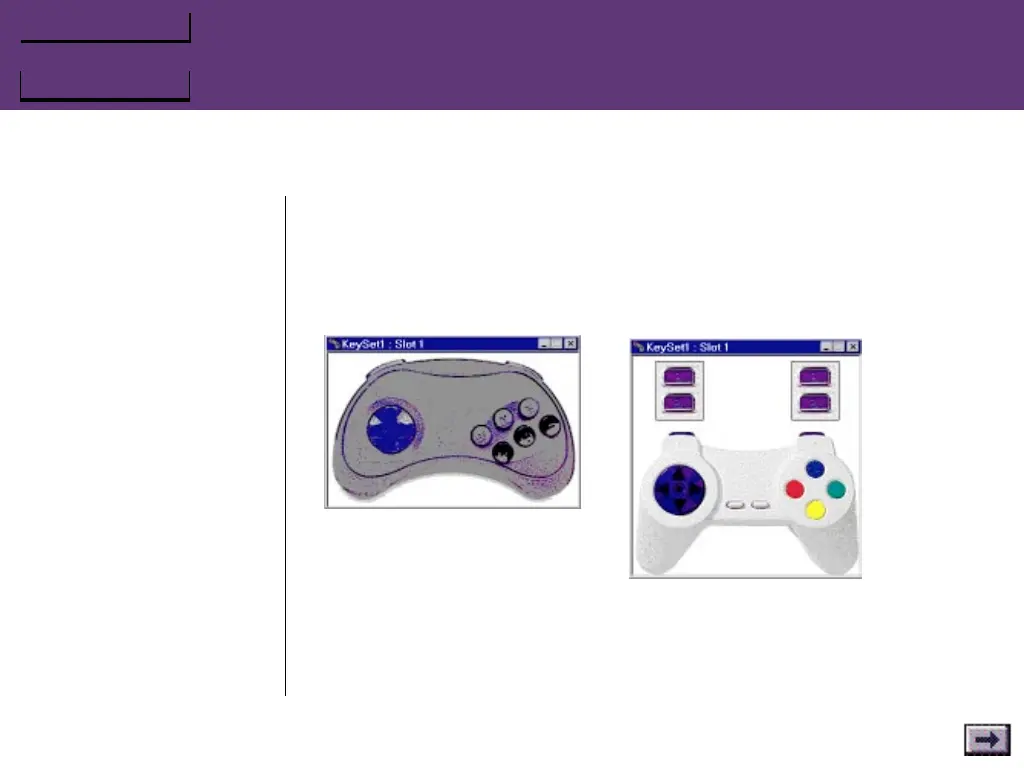
When you first open the Controller window, the software polls your
game port or MultiPort to determine which type of controller you
have connected. If you wish to change controller types, right-click in
the Controller window, and select the controller type you prefer.
...GrIPKey Keyboard Emulation Software, Cont’d.
When you click on a Controller#
tool or choose View/Pad#,
GrIPKey displays the type of
device that it found attached
when it polled the game port
(or MultiPort) at startup. If no
pad was attached when
GrIPKey started, it displays the
pad type selected in the
Options/Preferences.
To change the type of device displayed,
right-click in an empty area of this
window and choose from the popup box.



 To Next Page