Chapter Topics
Book Topics
GrIP User’s Guide
Chapter 5 – GrIP Software
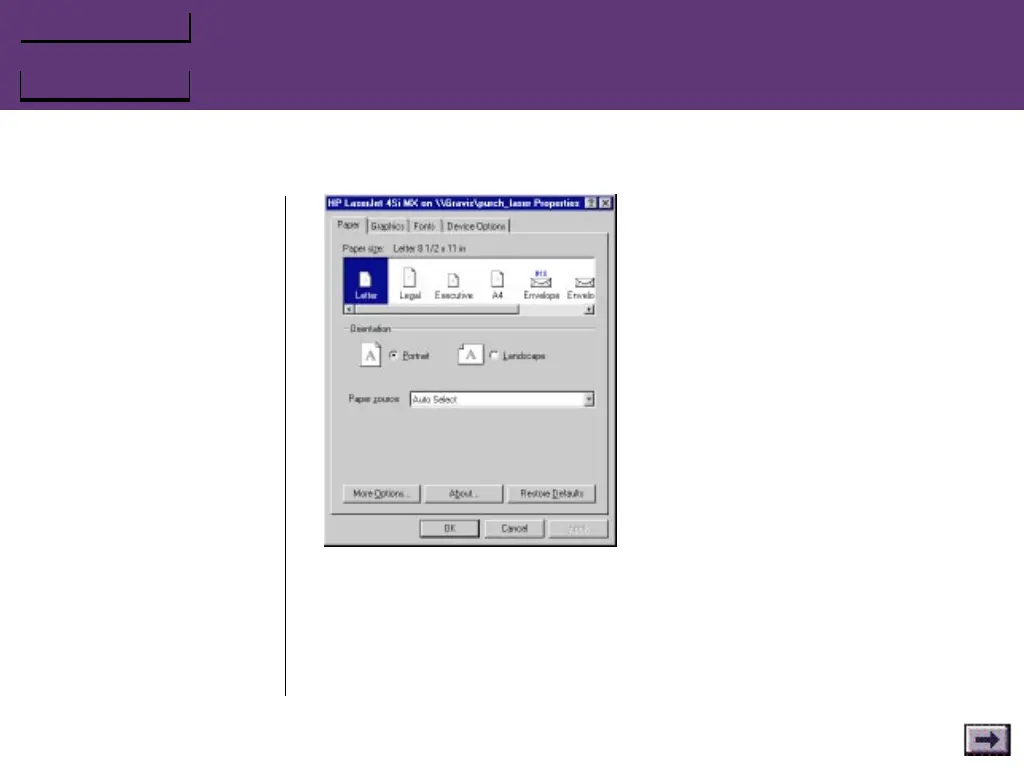
For image type selections, click the More Options... button.
For the fastest printing, and for printers with limited graphics support,
a Line Art option is available. For a more realistic image, select one of
the Dithering options.
...GrIPKey Keyboard Emulation Software, Cont’d.
Printer Properties



 To Next Page