Chapter Topics
Book Topics
GrIP User’s Guide
Chapter 5 – GrIP Software
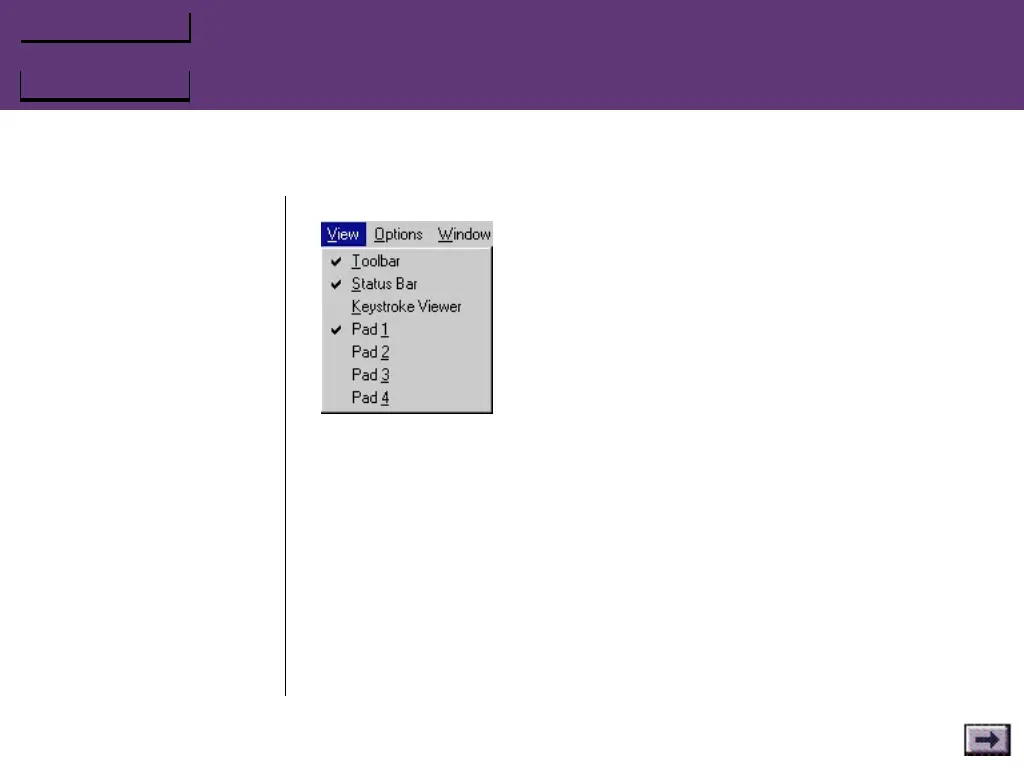
View Menu
Toolbar
Select this option to display the main toolbar on screen.
Status Bar
Select this option to display the Status Bar at the bottom of the screen.
By default, this is selected.
Keystroke Viewer
Select this option to open the Keystroke Viewer window to test your
controller’s configuration. Then pick up your GrIP controller and press
a button; you should see the keystrokes configured to that button in
the Viewer window.
...GrIPKey Keyboard Emulation Software, Cont’d.



 To Next Page