Chapter Topics
Book Topics
GrIP User’s Guide
Chapter 5 – GrIP Software
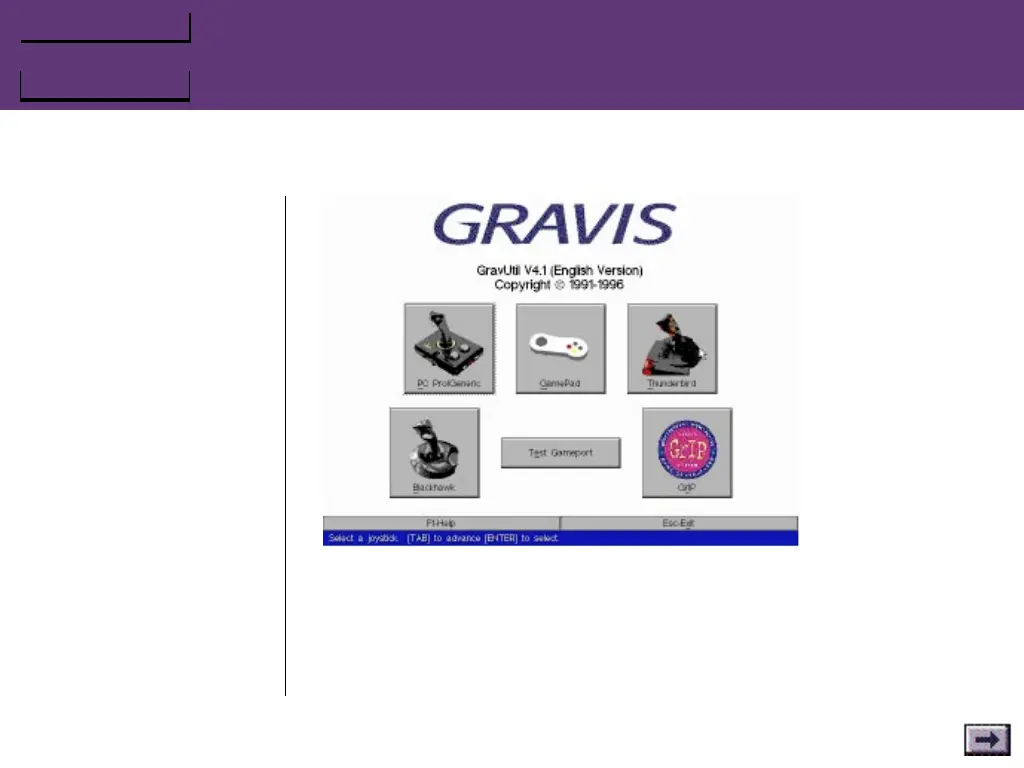
1. Click on the appropriate controller button on GravUtil’s main
screen.
2. Follow the instructions on-screen to test the pad. For detailed
instructions, press F1 or click on the Help button.
...GravUtil Testing Software, Cont’d.



 To Next Page