26
C-2 BLUETOOTH BATTERY
MOTOR
or
Alexa
Google Home
Graywind Home
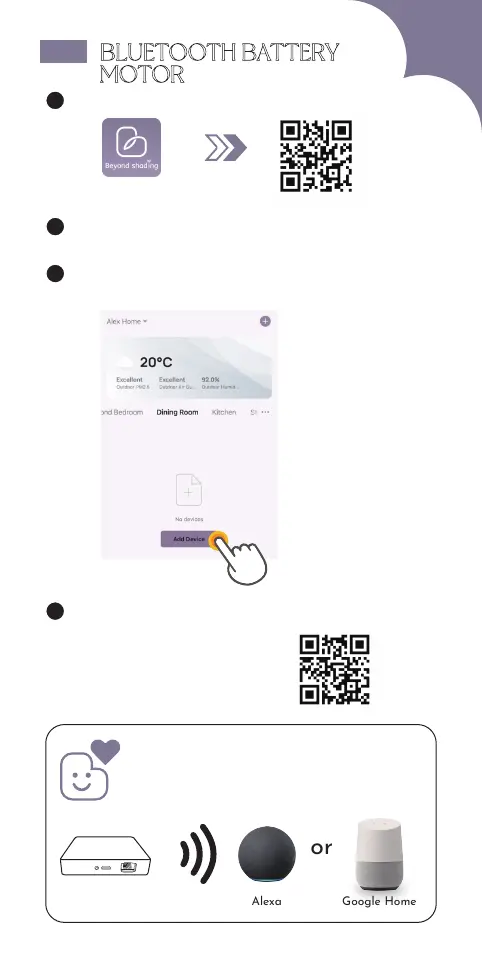
1 Download & Open "Graywind" APP
2 Sign Up/ Log in
3 Click "Add Device" on home page,
press "BLE Shades/Blinds", then follow steps.
4 Please scan the QR code for specific operations.
PDF Version & Video Guide:
For more functions like timing, long-range control etc,
or Alexa/Google Home control,
you need to buy BLE hub separately.
For details, please contact customer service.
BLE Hub



 To Next Page