Power/Charge Devices with G-500
- 6 -
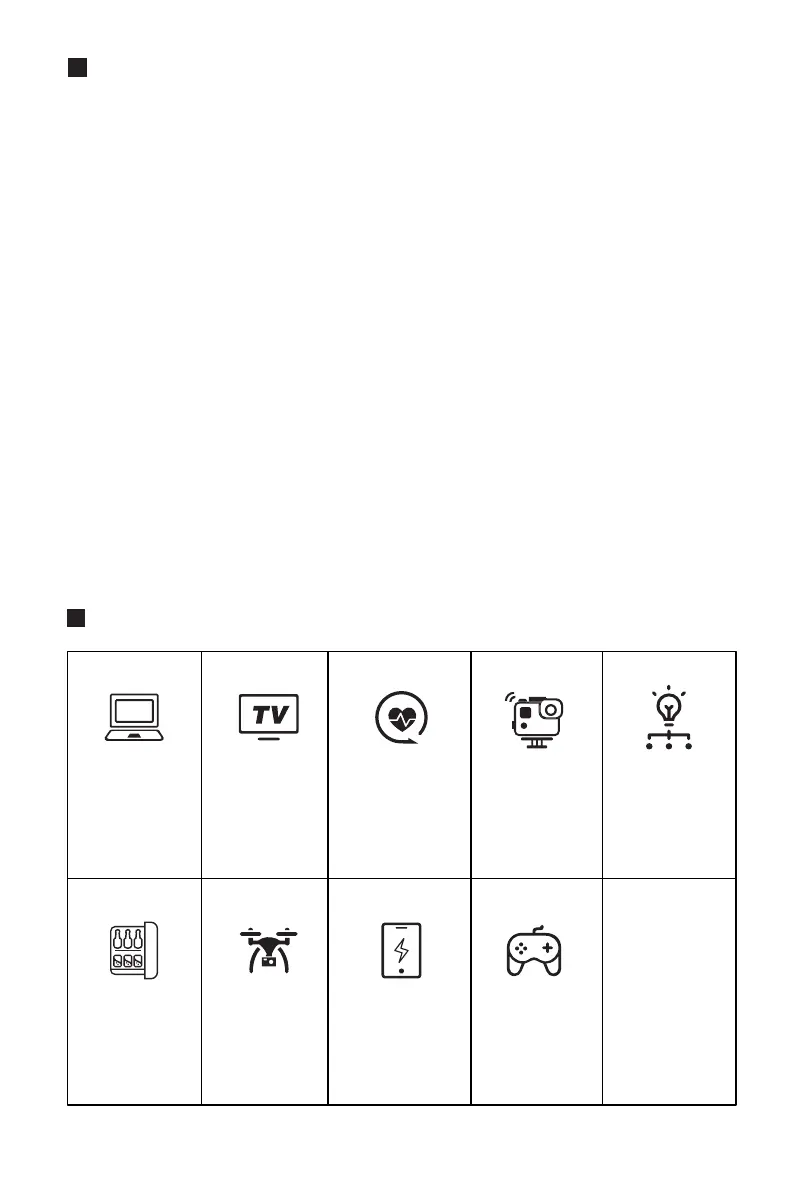
What it Powers
Laptops
(41.4Wh)
Around
10 Recharges
Mini Fridge
(40W)
Around
11 Hours
Drone
(89.2Wh)
Around
4.9 Recharges
Smartphone
(10Wh)
Around
44 Recharges
Switch
(16Wh)
Around
27 Recharges
32" TV
(60W)
Around
7 Hours
CPAP Without
Heated Humidifier
(15W)
29 Hours
Gopro
(5.9Wh)
Around
74 Recharges
Floodlight
(4W)
Around
110 Hours
+MORE
Select the type of outlet required by pressing the Output ON/OFF Button.
The output port will NOT function until the appropriate button is pressed.
When activated, the indicator on the button shows green, indicating that
the outputs are active, and the LCD display will turn on and provide details
on the charging output. The LCD Screen will automatically shut down when
no outputs are activated.
Pass-through Charging. The advanced battery management system of
G-500 allows it to charge a connected device via DC output & USB output
while charging the G-500. Note: Do Not connect devices via AC output while
charging the G-500.
Overload Condition. If an overload condition occurs on the output port,
G-500 will automatically turn off AC Output power. The blue indicator light
of LCD Screen still illuminated. DC output status is still the same status as
usual. In this case, please check the input cable. The port will be efficient
when the input charge cable meets the specification outlined in the General
Specifications section. Only charge G-500 with provided AC wall power
adapter.
1.
2.
3.


 To Next Page