EasyManua.ls Logo

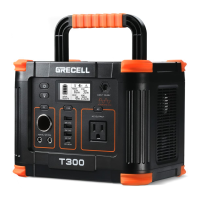
GRECELL T300 - Device Powering Capabilities; Powering Various Devices; Pass-Through Charging; Overload Condition Handling

GRECELL T300
14 pages
Print Icon
To Next Page IconTo Next Page
To Previous Page IconTo Previous Page
Loading...
B
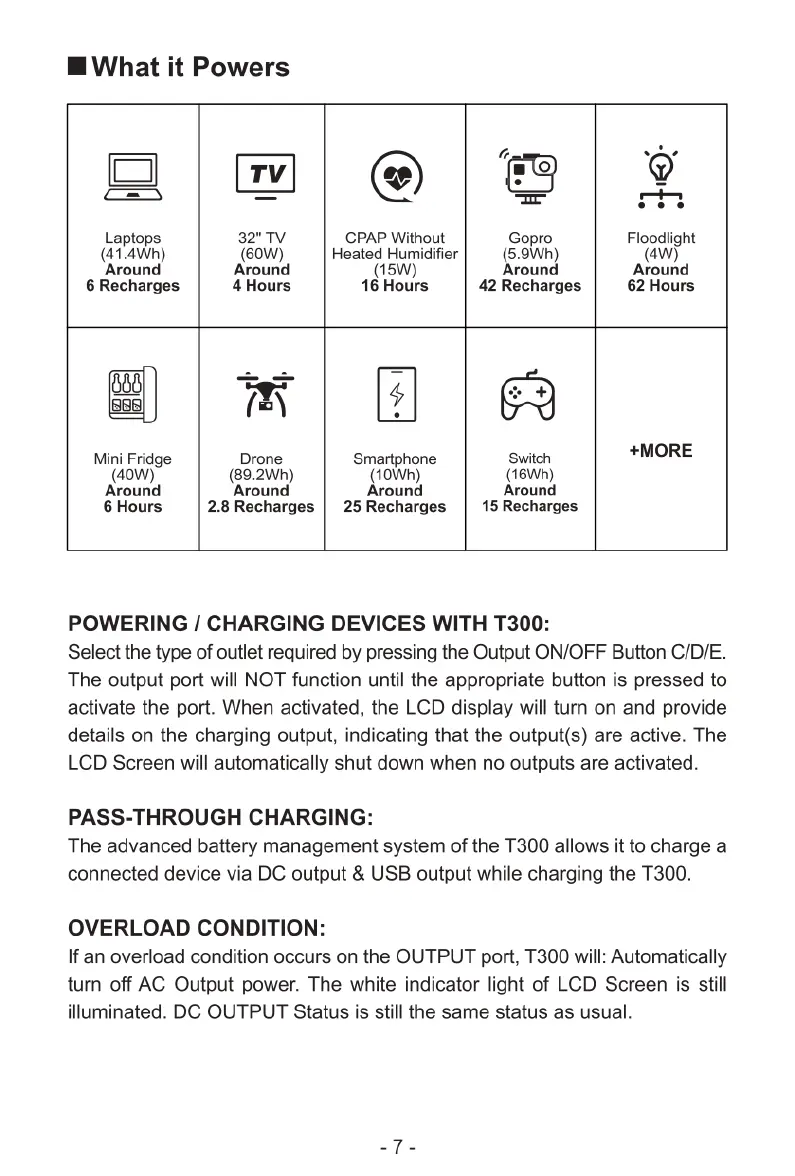
What
it
Powers
0o
]
TV
@
v
=
=
=
b ]
Laptops
32TV
CPAP
Without
Gopro
Floodiight
(41.4Wh)
©0W)
|
Heated
Humidfier
|
(5.9Wh)
(W)
‘Around
Around Around Around
6Recharges
|
4
Hours
16Hours
| 42Recharges
|
62
Hours
2
I
FI
O
Mini
Fridge
Drone
Smartphone
Switch
+MORE
40W)
(89.2Wh)
(10Wh)
(16Wh)
Around Around Around
Around
6Hours
|
2.8
Recharges
|
25Recharges
|
15Recharges
POWERING
/
CHARGING
DEVICES
WITH
T300:
Select
the
type
of
outlet
required
by
pressing
the
Output
ON/OFF
Button C/D/E.
The
output
port
will
NOT
function
until
the
appropriate
button
is
pressed
to
activate
the
port.
When
activated,
the
LCD
display
will
turn
on
and
provide
details
on the
charging
output,
indicating
that
the
output(s)
are
active.
The
LCD
Screen
will
automatically
shut
down
when
no
outputs
are
activated.
PASS-THROUGH
CHARGING:
The
advanced
battery
management
system
of
the
T300
allows
it
to
charge
a
connected
device
via
DC
output
&
USB
output
while
charging
the
T300.
OVERLOAD
CONDITION:
If
an
overload
condition
occurs
on the
OUTPUT
port,
T300
will:
Automatically
turn
off
AC
Output
power.
The
white
indicator
light
of
LCD
Screen
is
still
illuminated.
DC
OUTPUT
Status
is
still
the
same
status
as
usual.

Related product manuals