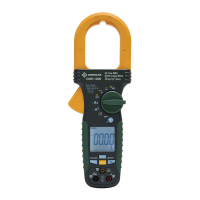
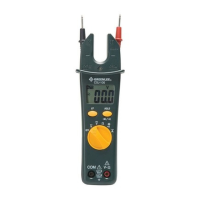
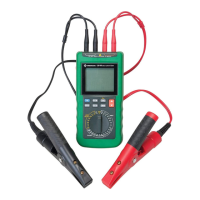
CM-660 • CM-860 • CM-960 • CMH-600 • CMI-600
7
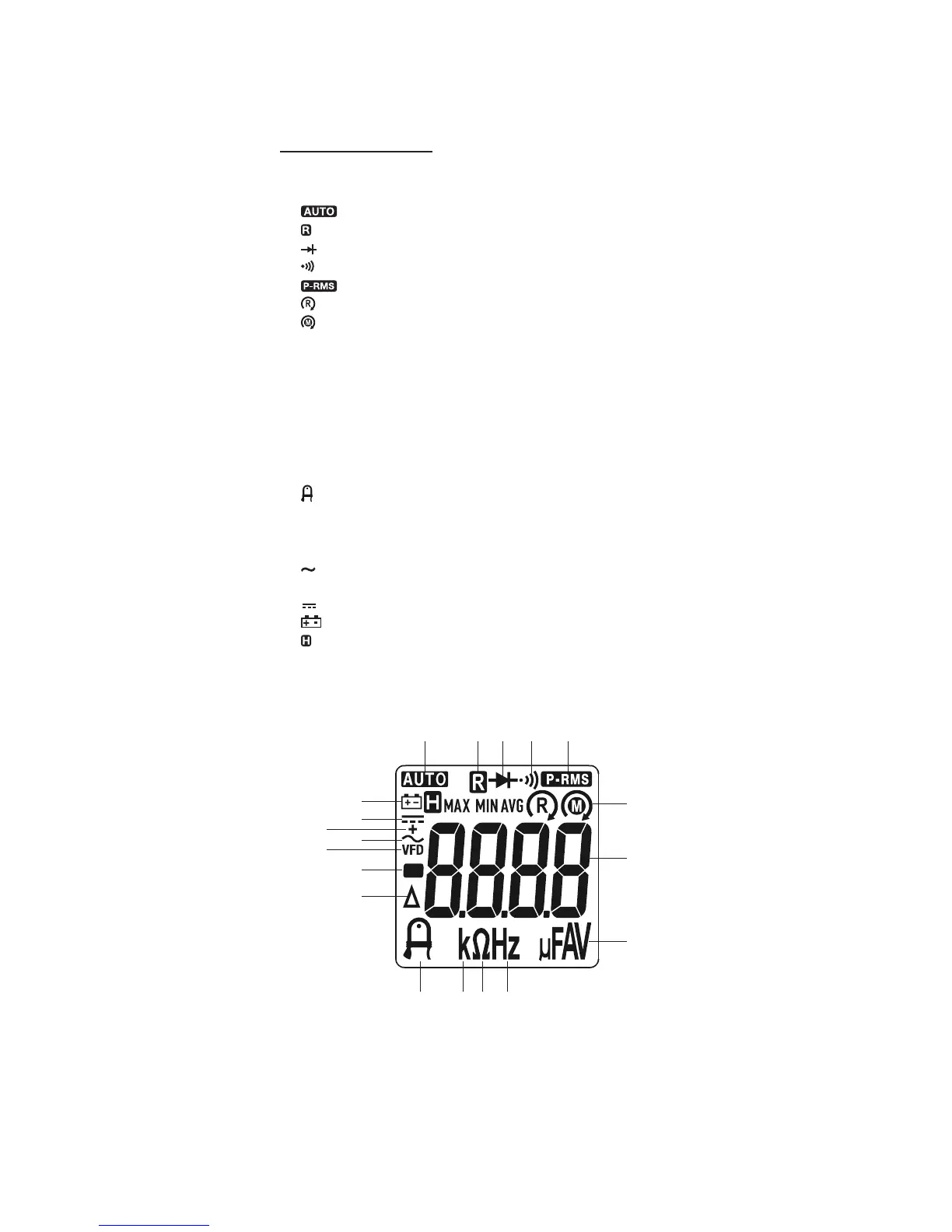
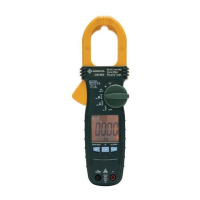
Display Icons
1. Automatic ranging is enabled.
2. Record function is enabled.
3. Diode
4. Continuity
5. PEAK-RMS mode is enabled.
6. Phase rotation main supply
7. Motor rotation
8. 8.8.8.8 Numeric display
9. µ Micro (10
-6
)
10. F Farad
11. A Ampere
12. V Volt
13. Hz Hertz (frequency in cycles per second)
14. Ω Ohm
15. k Kilo (10
3
)
16. AmpTip™ function is enabled.
17. ∆ Relative zero function is enabled.
18. – Polarity indicator
19. VFD AC measurement with filter for accuracy on variable frequency drives
20. AC measurement is selected.
21. + AC + DC measurement is selected.
22. DC measurement is selected.
23. Low battery
24. Hold function is selected.
25. MAX Maximum value being displayed
26. MIN Minimum value being displayed
27. AVG Average value being displayed
6-7
23-27
18
17
22
20
19
21
8
9-12
1
16 15 14 13
2 3 4 5
www.GlobalTestSupply.com
Find Quality Products Online at: sales@GlobalTestSupply.com


 To Next Page