7
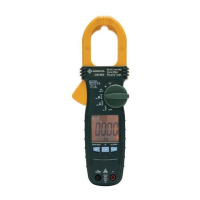
CSJ-100
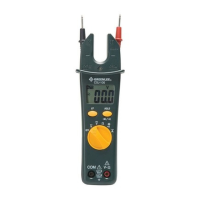
Using the Features
• Selector Switch
Turn switch to desired mode of operation:
(AC voltage)
(DC voltage)
(resistance)
(diode/continuity)
(AC current)
Return switch to OFF position when not in use.
• Hold/Toggle Button
Momentarily press to select diode or continuity mode.
Press momentarily to hold the present value on the display.
will
appear on the display. Press again to return to normal mode.
• EF Button
Press and hold to detect the electric field that surrounds current-
carrying conductors. Refer to the “Typical Measurements” section.
• Auto Power Off
The unit automatically shuts off after approximately 15 minutes of
inactivity.


 To Next Page