ASSEMBLY INSTRUCTIONS
19
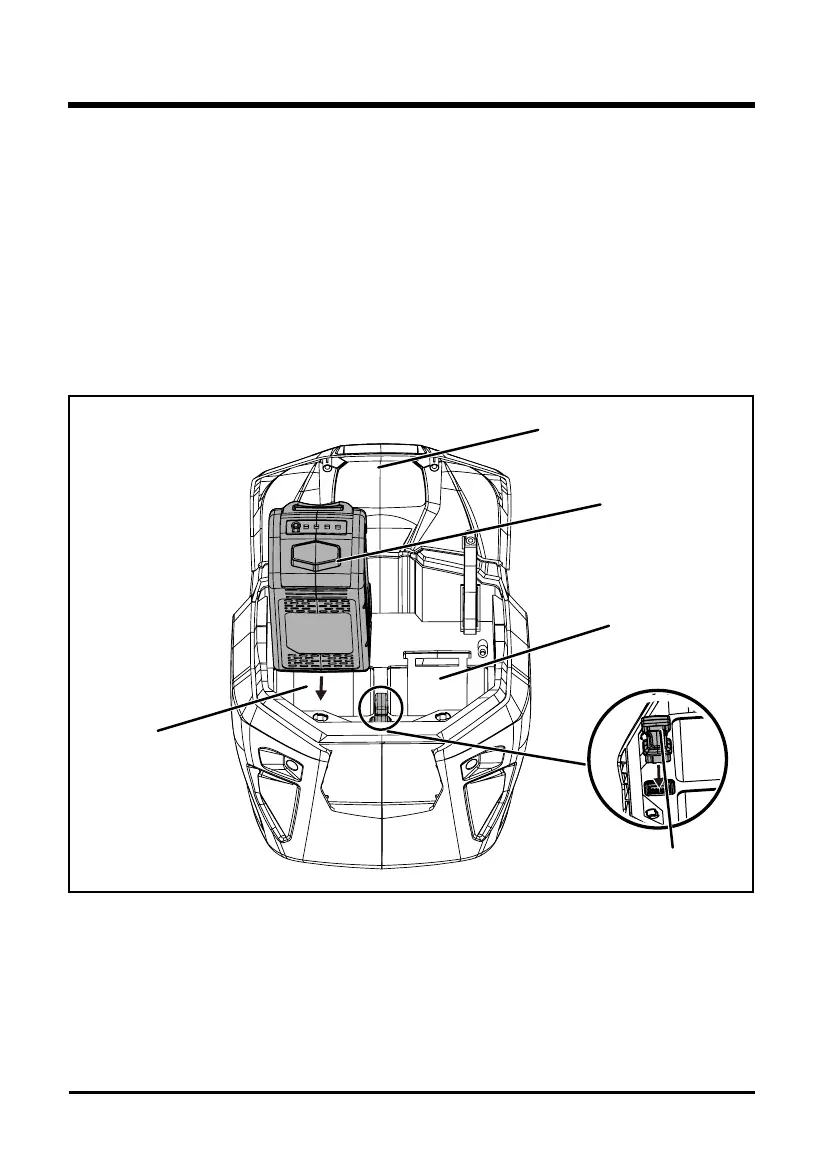
TO INSTALL THE BATTERY PACK (See Figure 7)
• Lift and hold up the battery door (1).
• Align the battery (2) with the mower’s battery port.
• Make sure the battery release button snaps in place and that battery is fully seated and
secure in the mower before beginning operation.
• Insert the battery into the left battery compartment (3) to start the mower. This mower is
equipped with a battery storage compartment (4) which offers a convenient place for storing
your battery when not in use, or to store an extra battery pack to extend your run-time.
• Insert the safety key (5). If the machine is not going to be used immediately, do not insert the
safety key.
• Close the door.
TO REMOVE THE BATTERY PACK (See Figure 7)
• Release the bail lever to stop the mower.
• Open the battery door.
• Remove the safety key.
• Press the battery release button. This will cause the battery to raise out of the tool slightly.
• Remove the battery from the mower.
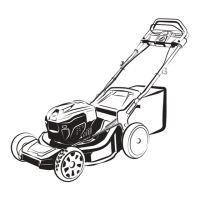
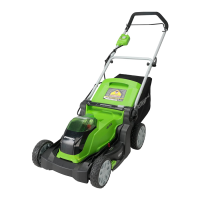
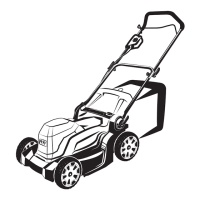
Fig. 7
(1) Battery door
(2) Battery pack
(3) Left battery
compartment
(4) Right battery
compartment
(5) Safety key






 To Next Page