EasyManua.ls Logo

GREER Company MicroGuard 586 - User Manual

GREER Company MicroGuard 586
75 pages
Print Icon
To Next Page IconTo Next Page
Loading...
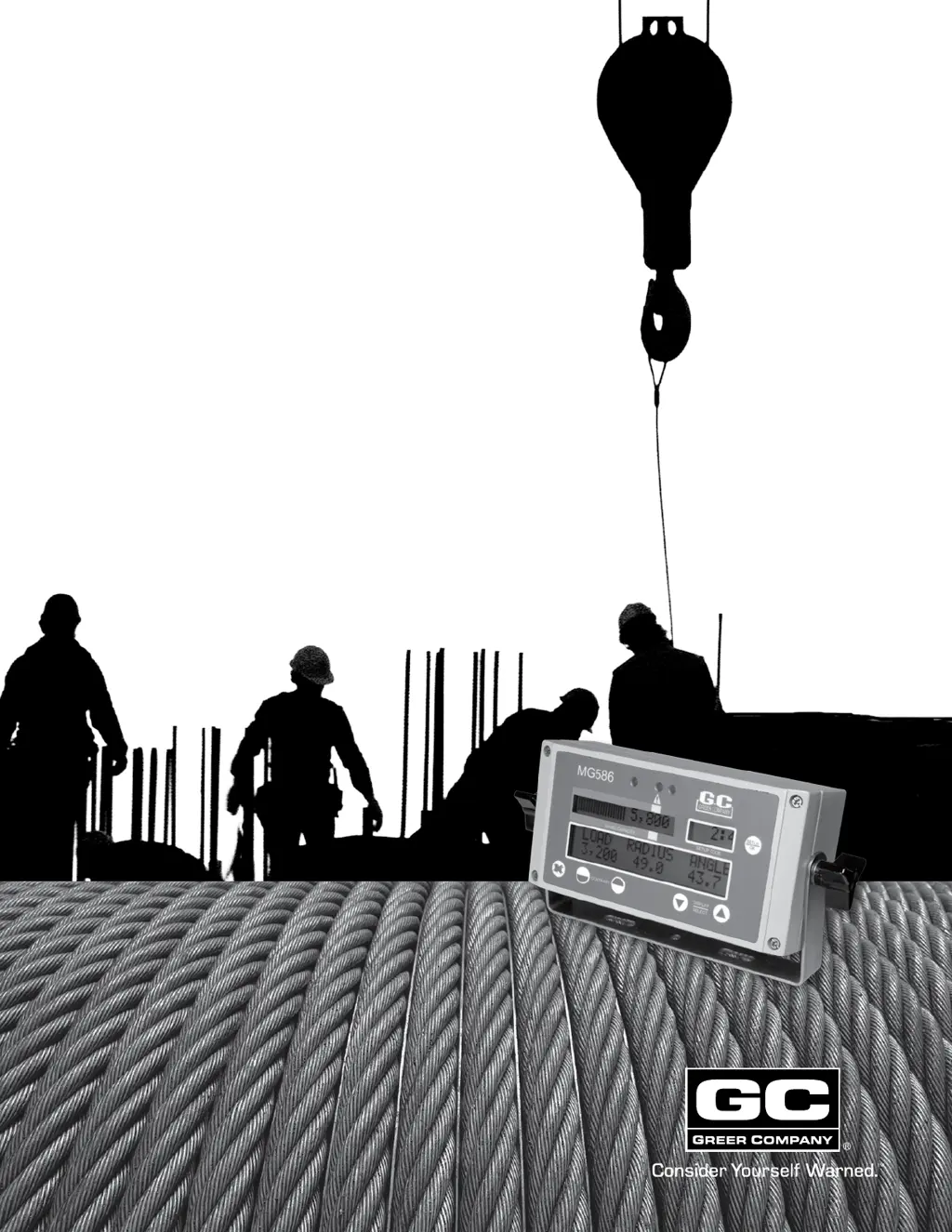
MicroGuard® 586
Retrofit
Rated Capacity Indicator Systems
Calibration
Testing

Other manuals for GREER Company MicroGuard 586

Questions and Answers

  • L
    Leonard SimmonsJul 25, 2025
    What to do if the GREER Company Touch Panel displays 'Check FKO'?
    • E
      Emily LeeJul 25, 2025
      If the GREER Company Touch Panel displays 'Check FKO', which indicates a Function Kick-Out wiring problem usually caused by a fuse or crane circuit breaker failure, remove the computer unit lid and check the 10A fuse.
  • D
    dgeorgeAug 1, 2025
    What to do if the GREER Company MicroGuard 586 shows 'Check ATB Wiring'?
    • M
      Michael HowardAug 1, 2025
      If the GREER Company Touch Panel displays 'Check ATB Wiring', which indicates an anti two-block wiring problem usually due to an electrical short to the boom or a damaged cable, here's what you should do: * Inspect/check cabling and connections from computer to extension reel on the side of the boom. * Inspect/check reel-off cable from extension reel to boom tip and Anti Two-Block switch connections. * Verify electrical signals for the two-block drive and signal within the extension reel.
  • E
    Edward WatersAug 6, 2025
    How to fix 'Reselect Crane Setup' error on GREER Company MicroGuard 586 Touch Panel?
    • K
      Kristine SmithAug 6, 2025
      If the GREER Company Touch Panel displays 'Reselect Crane Setup', indicating an error in the crane setup selection or an internal computer fault, reselect the correct crane setup code. The error should correct itself. If not, replace the computer.
  • J
    Joseph FigueroaAug 12, 2025
    What does 'Check Extension' mean on GREER Company MicroGuard 586 Touch Panel and how to resolve it?
    • K
      Karen WatsonAug 12, 2025
      If the GREER Company Touch Panel displays 'Check Extension', which indicates a problem with the boom extension sensor, take the following steps: * Inspect/check cabling and connections from computer to extension reel on the side of the boom. * Inspect/check the extension reel-off cable for damage.
  • S
    Sonya CarrAug 18, 2025
    Why does GREER Company MicroGuard 586 say 'Replace System Chip' and how to fix it?
    • J
      Jason JoyceAug 18, 2025
      If the GREER Company Touch Panel displays 'Replace System Chip', indicating a problem with the system chip fitted inside the computer, remove the computer lid and replace the system chip. Note: Use only proper chip insertion and removal tools to perform this operation; never use a screwdriver.

Summary

Introduction to MicroGuard 586 System

System Setup and Operation

Required Tools and Number Conversion

Lists necessary tools and explains measurement conversion for the system.

Operators Display Console Overview

Details the console layout, indicators, and display windows.

System Controls and Operational States

Explains push buttons, normal operation, overload, and safety warnings.

Calibration Procedures

Preliminary Measurements and Dimension Gathering

Covers essential measurements, dimensions, and preliminary checks.

Calibration Steps and Data Entry

Step-by-step guide for system calibration menus and data entry.

Troubleshooting and Appendices

Troubleshooting System Faults and Computer Issues

Guide to identifying and resolving system faults and computer problems.

Technical Appendices and Records

Wiring diagrams, schematics, and measurement record forms.

GREER Company MicroGuard 586 Specifications

General IconGeneral
BrandGREER Company
ModelMicroGuard 586
CategoryTouch Panel
LanguageEnglish

Related product manuals