Volume
Press once to pause play;
again, to resume.
Press once to return to the
beginning of the current
track or twice to skip to
the beginning of the
previous track. Press and
hold to scan backward
quickly through a track.
Press once to skip to the
next track. Press and hold
to scan forward quickly
through a track.
Press to adjust the
system Volume down.
Press to turn Amplifi
on and off.
Power
Push knob to turn on/off
Clockwise to increase
Counterclockwise to decrease
Press to adjust the system
volume up.
3
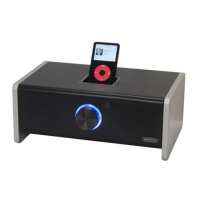
3. The first time you turn Amplifi on, give the
Power/Volume knob a half-turn counterclockwise to
set the volume to a safe level (you can turn it up later
to suit your taste), then press the Power/Volume
Knob on Amplifi’s front to turn the system on. The
blue ring around the knob lights up, and you’re ready
to rock.
Controlling Amplifi
Using the Remote Control:


 To Next Page