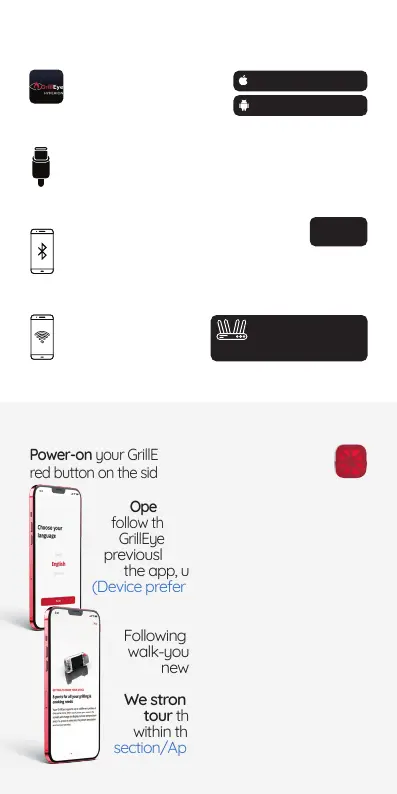
Getting ready
Connect GrillEye® Max
to a 2.4 GHz router
with Internet access
Make sure you
Internet
access on your
4.2 or later
Activate Bluetooth® on your
Bluetooth® is
required only for initial pairing
with your mobile, since GrillEye® max is
Charge your GrillEye® Max using the
USB-C cable included in the package.
You can use GrillEye® Max while it’s
charging.
Android OS 8 or later
iOS 12 or later
Download the
Grilleye® Hyperion
application.
Let’s get started!
Power-on your GrillEye® Max by pressing the
Open the GrillEye® Hyperion app and
follow the on-screen wizard to setup your
GrillEye® Max.
the app, under Settings/Initial section
sections).
Following the initial setup, the app will
walk-you-through the basics of your
newly purchased GrillEye® Max.
We strongly recommend taking the
tour that you can recall later from
within the app, under Settings/Initial
section/App preferences/Onboarding.


 To Next Page